

Google’s first foldable phone, the Pixel Fold, has finally landed—and it’s immediately baffling. Early hands-on time reveals a mix of sheer brilliance and forehead-slapping omissions that make it hard to place. On one hand, it’s the most comfortable phone-shaped foldable yet, with glorious screens and buttery performance. On the other, basic usability quirks manage to trip it up the moment you move beyond the honeymoon phase. Below, we break down the highs and lows point by point so you can decide whether Google’s $1,799 conversation starter deserves a spot in your pocket. Will the positives outweigh the flaws? Let’s dive in.
The Outer Display Rules Them All
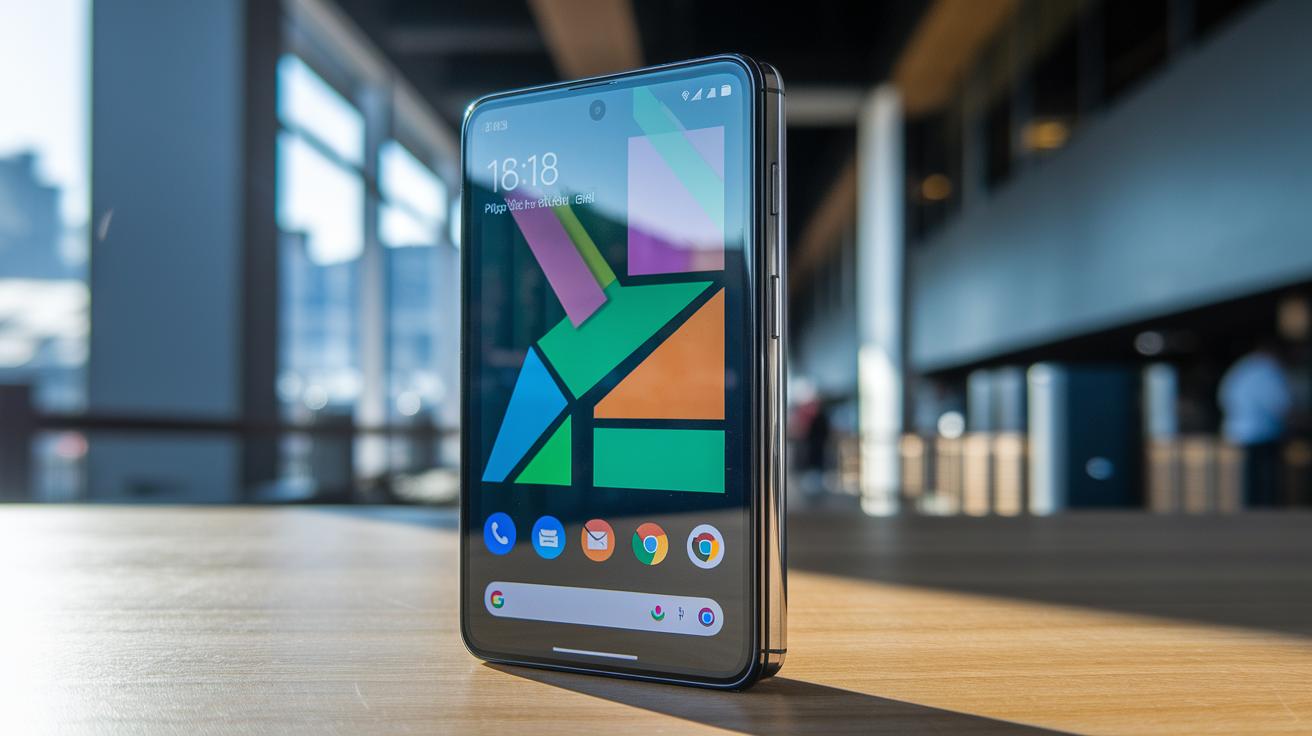
Most foldables feel like chunky remotes when closed; the Pixel Fold looks and behaves like a normal premium smartphone. Its 5.8-inch outer OLED uses a traditional 17.4:9 aspect ratio, so you can thumb-type, scroll social feeds, and shoot photos without the letter-boxed claustrophobia of the Galaxy Z Fold’s skinny cover panel. Bezels stay slim, brightness holds up in direct sun, and the one-handed ergonomics make it genuinely pocket-friendly. It’s the first time a foldable’s secondary screen hasn’t felt secondary at all, and it instantly sets the bar every rival now has to clear.
Flagship-Level Screen Quality
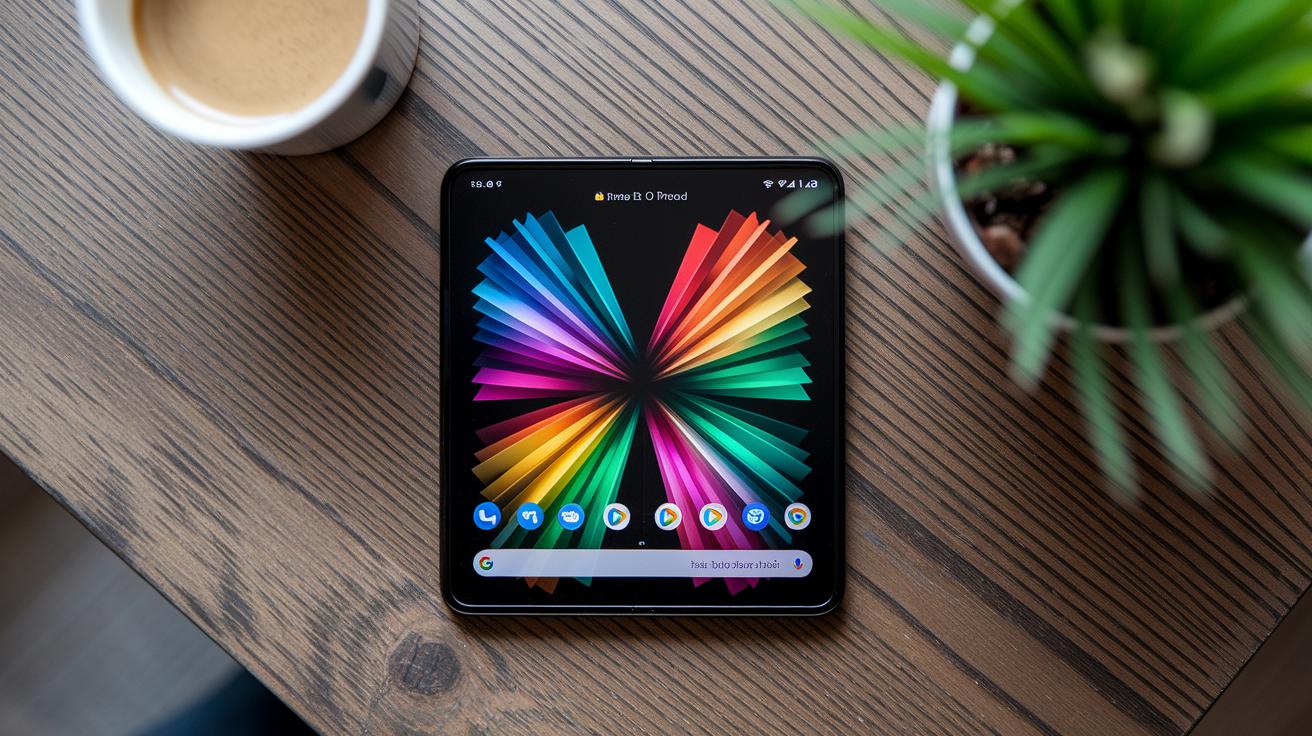
Open the Pixel Fold and you’re greeted by a 7.6-inch OLED that puts plenty of tablets to shame. Google delivers identical color tuning and 120 Hz refresh rates on both inner and outer panels, eliminating visual whiplash. Blacks sink into inky oblivion, HDR content sings, and the crease stays surprisingly subtle under normal angles. Whether you’re binge-watching Netflix, reading comics, or reviewing RAW photos, the experience resembles a pint-size Pixel Tablet folded into your pocket. It’s proof Google didn’t cut corners on the one spec that matters most to media junkies: display quality.
Performance That Leaves You Dazzled
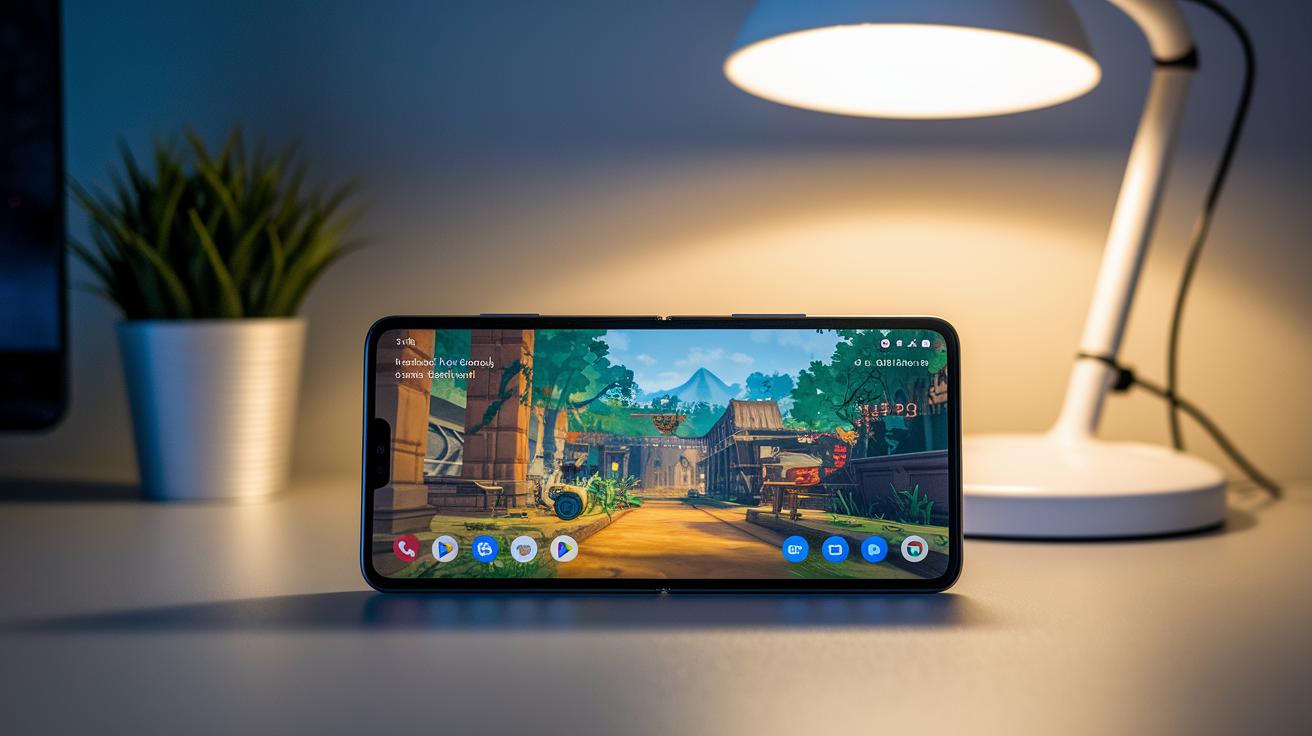
Powered by Google’s Tensor G2 chip and 12 GB of RAM, the Pixel Fold rips through everyday tasks without a stutter. App launches feel instantaneous, animations keep their 120 Hz fluidity, and the device barely warms during marathon Genshin Impact sessions. Machine-learning extras, live translation, voice typing, photo un-blur, fire off faster than on last year’s Pixel 7 Pro. In short, it behaves like a flagship slab that just happens to bend in half. You might worry about thermals on such a thin chassis, but early benchmarks show the Fold keeping its cool under pressure.
A Build That Feels Like a Tank

From the polished aluminum frame to the Gorilla Glass Victus exterior, the Pixel Fold exudes reassuring solidity. The hinge glides with a Rolex-like tolerance, snapping shut with a satisfying click that screams premium craftsmanship. At 283 g it’s heavy, yet the weight distribution feels balanced rather than brick-like. IPX8 water resistance means the Fold can survive an accidental dunk, a rarity in the foldable space. Combine that with Google’s matte finishes and stealthy camera bar, and you’ve got hardware that looks less like a prototype and more like a finished product.
One-Handed Opening? Not Happening
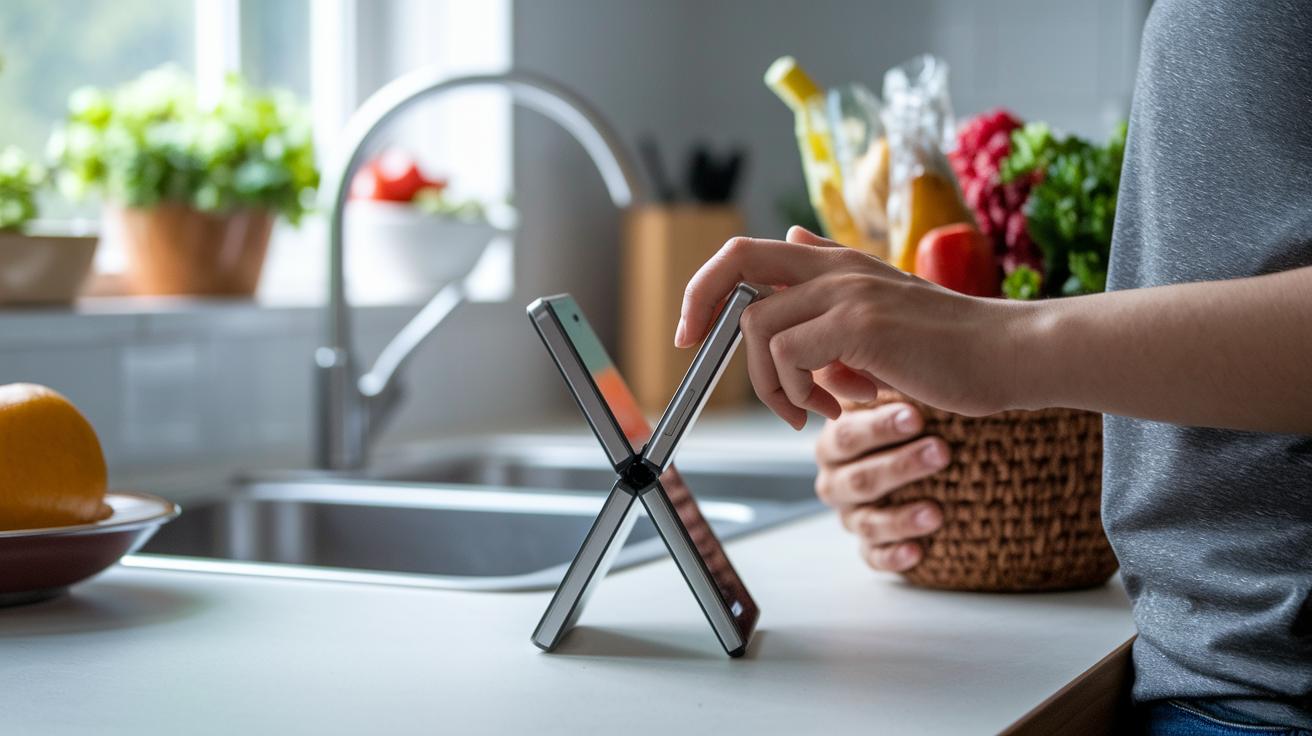
Great hardware aside, the Pixel Fold’s hinge tension borders on stubborn. Attempting to pry it open with a single thumb while juggling groceries is an exercise in frustration, or disaster. You’ll almost always need both hands or a tabletop to coax the screen apart, slowing down casual use. While the resistance inspires confidence in hinge longevity, it undercuts the spontaneity that makes phones indispensable. Samsung eases hinge tension after the first centimeter for good reason; Google missed that memo. Frequent multitaskers may find themselves rethinking when and where they interact with the Fold.
The Inner Screen’s Home Screen Head-Scratcher
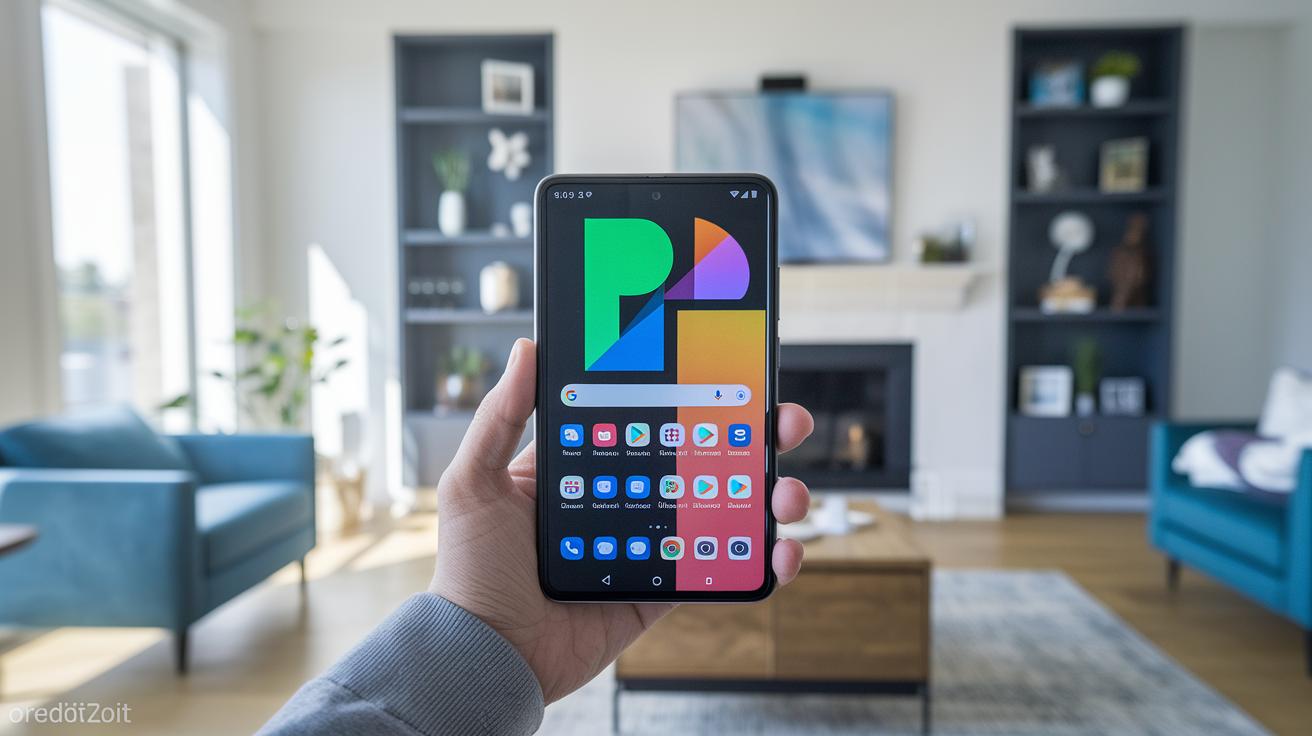
Shockingly, Android on the Pixel Fold doesn’t let you keep a separate home-screen grid for the tablet-sized interior. Open the phone and you’re greeted by stretched icons and empty columns instead of a layout optimized for the wider canvas. It feels like driving a sports car stuck in first gear, fun, but fundamentally limited. Competitors such as Oppo’s Find N2 already ship with dual configurations, so the omission stings even more on a device built by the company that writes Android’s code. Yes, third-party launchers can hack a fix, but that shouldn’t be necessary on a $1,799 flagship.
Reach for That Fingerprint Reader
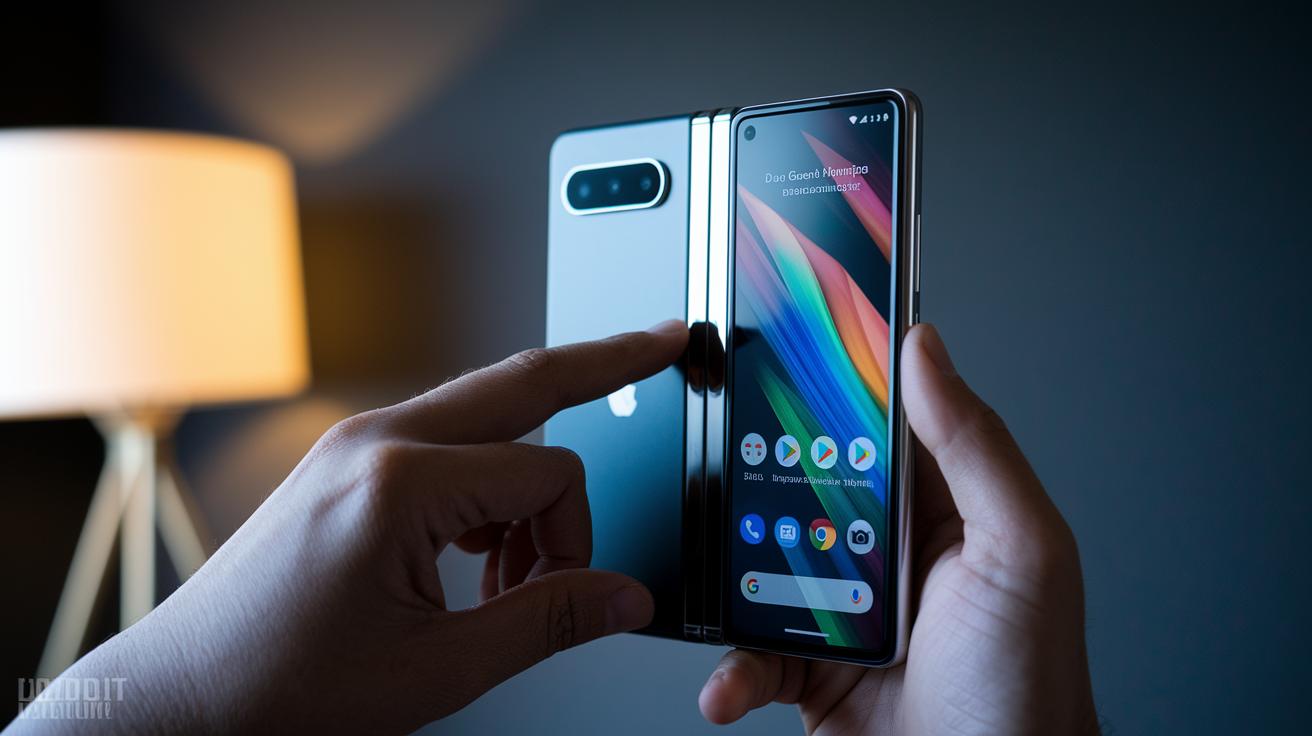
Google stuffs the Pixel Fold’s fingerprint scanner into the tiny power button perched high on the right edge. When the phone is closed, placement is fine. Flip it open and that sensor sits near the top of a tablet, beyond the index finger’s natural resting spot. Shorter users or those with smaller hands will find themselves shimmying the device downward, or resorting to face unlock, which struggles in dim rooms. A minimal tweak, like embedding a second sensor inside the screen, could have solved the ergonomic misfire. Instead, authentication turns into an unnecessary game of finger gymnastics.
A 180-Degree Dream Deferred

The Pixel Fold’s hinge stops just shy of lying completely flat on a table. Achieving a textbook 180-degree spread requires an extra push, something you’ll think twice about on day one. That slight V-shape is harmless for casual browsing but introduces glare when sketching with a stylus or sharing a video across a desk. Google’s marketing shots suggest perfection, yet retail units reveal micro-tolerance issues that clash with the phone’s otherwise impeccable build. It’s a nitpick, yes, but on a device defined by its hinge, consumers expect nothing short of mechanical precision.
App Optimization: A Mixed Bag
Google’s own suite, Maps, Photos, YouTube, scales beautifully across the Fold’s canvases, but venture beyond first-party land and things get messy fast. Instagram opens in a tall smartphone window with black bars; banking apps sometimes crash when switching orientations. Split-screen multitasking works, yet too many titles ignore the extra real estate, stretching content rather than re-flowing it. The onus is partly on developers, but Google shoulders responsibility for shipping a platform-defining product before the ecosystem is ready. Until mainstream apps embrace foldables, your mileage will swing from glorious productivity to janky stopgap fixes.