How to Install Leaked BlackBerry 10 OS Update
By adminDev2
November 13, 2026
Field Notes
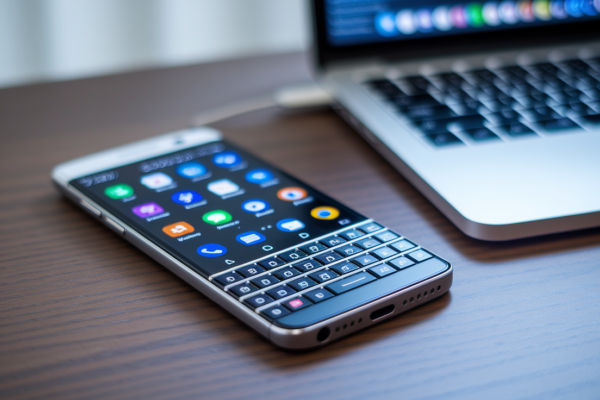
Thinking about installing a leaked BlackBerry 10 build on your Z10 or Q10?
Leaked builds are unofficial and can break radios, wipe data, or leave a phone unusable.
This guide gives a clear, device-first roadmap to do it as safely as possible.
You’ll learn how to confirm your exact model and build, back up with BlackBerry Link (.bbb), verify the file checksum, choose the right method, autoloader, Sachesi, or BAR sideload, and what to do if the install fails.
Read this before you touch the USB cable.
BlackBerry 10 Leaked OS Installation Quick Start
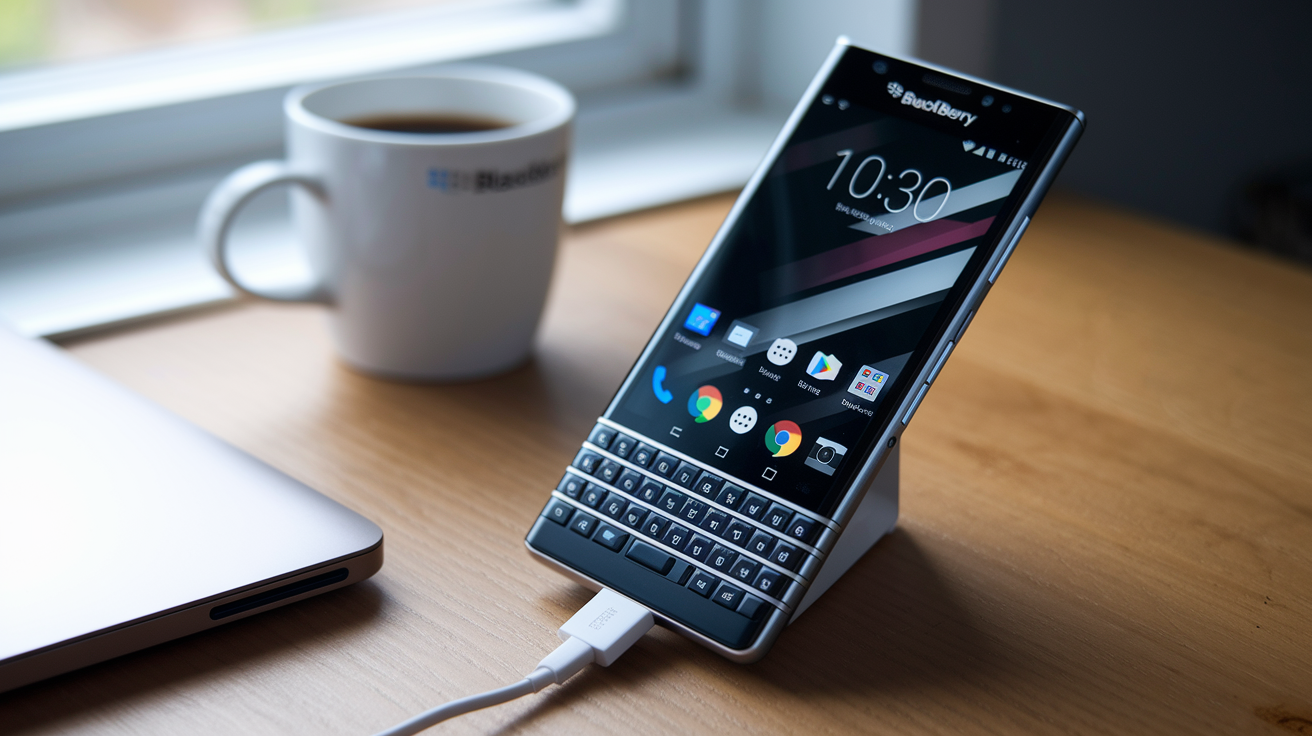
A leaked BlackBerry 10 build is unofficial software that made its way out before any official rollout happened. It can be unstable, incomplete, or just missing things a finished release would normally have. You’re on your own if you install one, and this section is here to give you the roadmap, not the full walkthrough.
Here’s the order you’ll want to follow, start to finish:
- Pin down the exact device model and hardware variant. A Q10 SQN100-1 and a Q10 SQN100-5 aren’t interchangeable when it comes to firmware, even though they look identical.
- Write down the current OS and build under Settings → About. You’ll need this later for comparison, and for rollback if things go wrong.
- Charge the battery to at least 50% and make sure you’ve got dependable computer power. A dead battery mid-flash is one of the fastest ways to brick a device.
- Create a full BlackBerry Link
.bbbbackup before you touch anything else. - Get the package built for your exact model. We won’t point you toward unauthorized sources, but community forums with verification threads are usually where people start.
- Compare the supplied SHA256 or MD5 checksum against the file you actually downloaded.
- Get BlackBerry Link, the required drivers, and a solid USB cable ready to go.
- Pick whichever method the package itself calls for, whether that’s a full autoloader, Sachesi, or a compatible BAR sideload.
- Follow the matching method in the Complete Instructions section below, and don’t disconnect the cable once things start moving.
- Confirm the device boots up and that Settings → About shows the build number you expected.
Compatible models commonly include the Z10, Q10, Z30, Z3, Q5, Passport, Classic, and Leap, but the package still has to match your exact model and hardware variant. Installs typically run 10 to 60 minutes. A full autoloader normally wipes user data, while a compatible Sachesi incremental install may leave it intact. Never use a file if its checksum doesn’t match the value from a trusted verification source.
An interrupted or mismatched flash can cause data loss, a dead cellular radio, a boot loop, or a device that just won’t come back on. Three screenshots are worth grabbing as you go: the model and version screen, your checksum comparison result, and the completed update screen once you’re done.
Pros and Cons of Installing a Leaked BlackBerry 10 Update
(((alt-img2)))
Early access has real appeal. Enthusiasts have kept BlackBerry 10 alive for years partly by chasing builds that aren’t officially out yet, and leaked updates sometimes carry fixes or performance changes your current official release doesn’t have.
But the honest picture has two sides, and the downsides tend to carry more weight than people expect going in.
Potential advantages:
- Early access to features or interface changes before any public release
- A way for enthusiasts to test and document behavior on older hardware
- Possible bug fixes or performance improvements missing from your current build
- Contribution to community knowledge by recording build changes and compatibility notes
Potential disadvantages:
- Data loss if the flash wipes the device or something goes wrong mid-install
- Instability, including crashes, slowdowns, or features that just don’t work
- Security exposure, since leaked builds often lack finished patches
- Warranty implications, since unofficial software can affect service eligibility
- Carrier problems, including broken mobile data or voice service
- App incompatibility with core or sideloaded applications
- Difficult recovery if the build was modified, mislabeled, or incomplete
If you rely on your phone for emergency calls, enterprise activation, regulated data, or daily business, don’t test leaked software on that device. Grab a secondary or dedicated test unit instead. Legality varies by jurisdiction and by how a file was obtained or distributed, so we’re staying neutral on that question here. This article won’t link to unlawfully distributed firmware, and a higher version number alone doesn’t mean a leaked build is a current security update.
Choosing an Autoloader, Sachesi, or BAR Sideload
(((alt-img3)))
The method you use should come down to the verified package format sitting in front of you, not personal preference. Each package type has its own constraints.
Choose a Full Autoloader
An autoloader is a model-specific Windows .exe package that replaces the entire system image on the device. It’s built for one hardware variant, and running the wrong one is one of the most common ways people wreck a device. The unique risk here is flashing an image meant for different hardware, since the executable typically swaps out the installed radio and system components as a complete set, no partial option available.
Choose Sachesi or an SDB BAR Sideload
Sachesi is a cross-platform tool, running on Windows, macOS, or Linux, that can load compatible OS components or .bar packages onto the device. There’s a difference between a multi-component Sachesi package and a single .bar file deployed through the BlackBerry 10 SDK’s sdb utility. The main risk here is mixing components that don’t match the base OS, the radio release, or the exact device model, which can leave the phone in a half-updated state.
Check the comparison table later in this guide for a condensed overview, and use the Complete Instructions section when you’re ready to execute.
BlackBerry 10 Backups and Pre-Flash Preparation
(((alt-img4)))
BlackBerry Link creates backups in .bbb format for BlackBerry 10 devices. If you’ve read older guides mentioning .ipd files, that format belongs to legacy BlackBerry platforms, not BB10, so don’t treat it as your full-backup standard here. A .bbb backup typically takes 5 to 20 minutes to generate and can run anywhere from roughly 50 MB to 2 GB depending on how much data is stored on the phone.
Before you flash anything, get the device into a state where recovery is actually possible. That means more than just clicking “backup” once. Keep two copies of the backup file in separate locations, since a single copy sitting on the same machine you’re flashing from isn’t much of a safety net if something goes wrong with that computer too.
- Install BlackBerry Link and confirm it detects
Final Words
We defined what a leaked BlackBerry 10 build is and warned readers to proceed at their own risk.
You get a ten-step quick start, full backup and prep checklist, guidance on choosing autoloader, Sachesi, or SDB, checksum checks, and a detailed install and recovery walkthrough.
Verify checksums, match the exact model and radio, keep two backups, and supply the requested screenshots; the complete how to install leaked blackberry 10 os update guide in this post shows each step.
Follow the checklist and you can test responsibly, with a clear path back to a stable build.
FAQ
Q: Is the BlackBerry 10 still supported?
A: The BlackBerry 10 OS is effectively end-of-life; BlackBerry no longer issues regular updates or broad service support, though community patches or limited carrier assistance may still exist.
Q: How do I reset a BlackBerry to factory settings?
A: To reset a BlackBerry 10 to factory settings, open Settings → Security & Privacy → Security Wipe, type “blackberry” to confirm, and perform the wipe—back up your .bbb first to avoid data loss.
Q: How to update BlackBerry?
A: To update a BlackBerry 10, back up, then use Settings → Software Updates → Check for Updates to install official OTA releases; for leaked builds follow audited autoloader or Sachesi procedures instead.
Q: Is BlackBerry OS based on Android?
A: BlackBerry OS is not based on Android; BlackBerry 10 uses QNX (a Unix-like microkernel). Some later BlackBerry handsets run Android, but classic BlackBerry OS and BB10 are distinct.