BlackBerry Security Updates: Official vs Leaked Risks
By Full Editorial
November 22, 2026
Field Notes
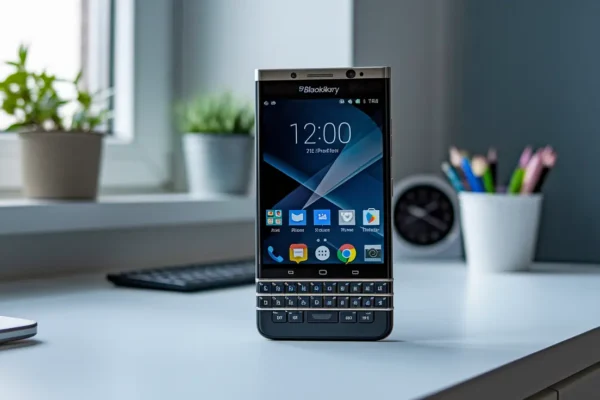
Think a leaked BlackBerry update gets you protected faster?
It might, but it also brings real risks for Z10, Q10, Priv, and managed fleets.
Official BlackBerry security updates arrive via OTA, carrier, or UEM with vendor signatures, QA testing, and staged rollouts.
Leaked packages often lack verified signatures, carrier approval, or full compatibility checks and can void support.
This post will show the practical difference — who should wait for the official push, and who might safely test a leak on isolated hardware.
Official BlackBerry Security Updates Are the Safer Choice for Nearly Everyone
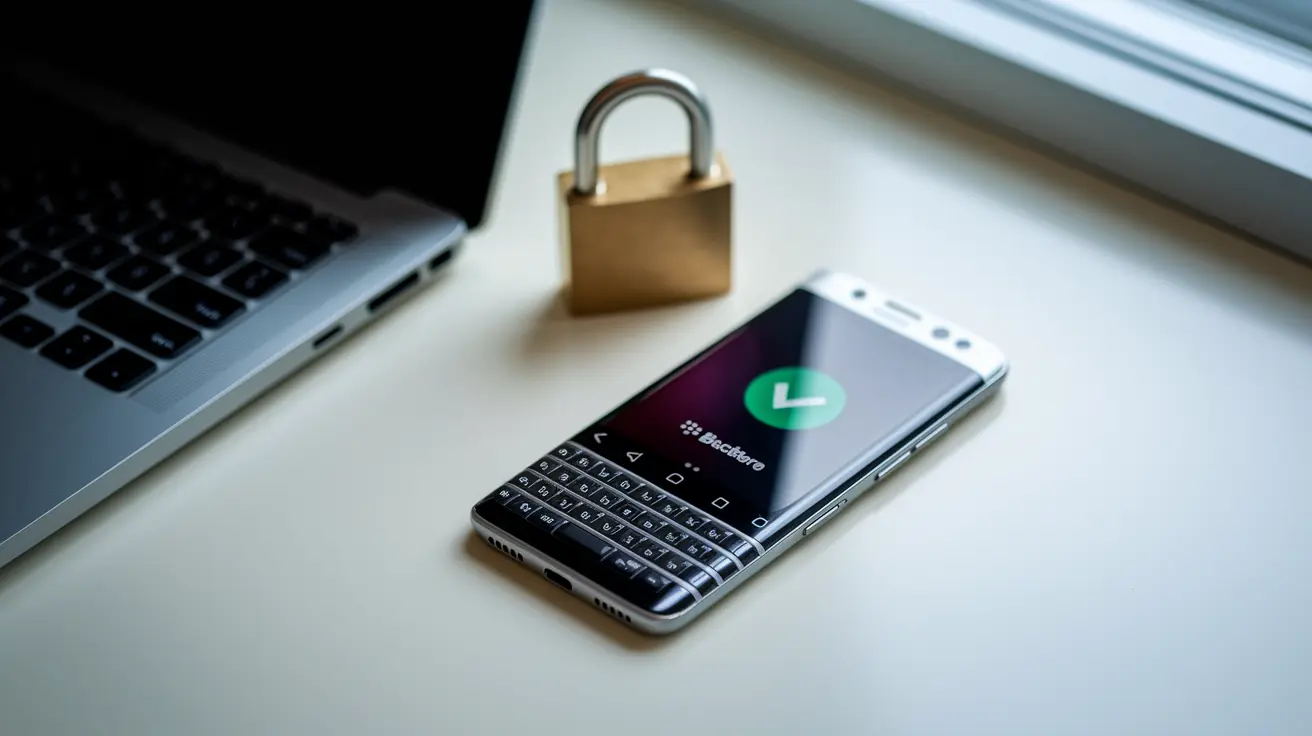
Official BlackBerry security updates are the right call for just about every regular user, BYOD employee, and managed fleet out there. They come with authorised provenance, actual QA testing, a validation trail, and vendor support behind them. Leaked just means the distribution path wasn’t sanctioned. It doesn’t automatically mean the file’s been tampered with, but it does mean nobody’s vouching for it. And that distinction matters a lot when you’re deciding whether to tap “install.”
Here’s the part people miss though. Even a genuinely vendor-signed prerelease build, one that leaked straight out of an internal testing pipeline, can still be a bad idea to install. It may not have finished QA, it may not have carrier approval yet, and it may not have gone through staged deployment or final compatibility testing for your exact model. A signature confirms who signed it. It doesn’t confirm it’s ready for your phone.
| Factor | Official update | Leaked update | Practical verdict |
|---|---|---|---|
| Source | OTA, carrier, vendor portal, or BES/BESX/UEM push | Forums, mirrors, dumps, file sharing sites | Trust the authorised channel |
| Signature status | Vendor signed, valid certificate chain | Unsigned, re-signed, or unverifiable | No valid signature, no install |
| QA completion | Fully tested before release | Often unfinished or pre-release | Assume untested until proven otherwise |
| Release approval | Carrier and vendor approved | Not approved for public release | Approval status matters more than availability |
| Stability | Staged rollout, known issues addressed | Unknown, possibly debug laden | Expect rough edges on leaks |
| Support or warranty | Fully covered | Often voided or unclear | Official keeps your safety net |
| Suitable user | Everyone, including BYOD and enterprise | Qualified researchers on isolated hardware only | Match the use case to the risk |
How Official and Leaked BlackBerry Updates Reach Devices
(((alt-img2)))
Official updates have a traceable path. BlackBerry, the relevant OS partner, or your carrier pushes the package, and it arrives through Settings > Software Updates, an OTA notification, or a managed enterprise push via BES, BESX, or BlackBerry UEM. On BIS era devices, the traffic flow typically went device to carrier to BlackBerry servers, with BES and BESX giving IT departments far more central control over what landed on a handset and when. BlackBerry UEM carries that same idea forward with managed provisioning and rollout oversight baked in.
Staged rollouts are normal, and they explain a lot of reader confusion. Two people with the same model, even on the same carrier, can see an approved update show up days or weeks apart. That’s by design, not a glitch. So if you spot a build floating around online before your device gets an OTA notification, that timing gap doesn’t mean your update’s broken or being withheld unfairly. It also doesn’t mean the build you found is ready for your specific model, carrier, or region. A package can be completely real and still not be yours to install yet.
Leaks follow a messier path. They tend to surface through mirrors, forums, private archives, file sharing services, developer dumps, or third party repositories that rehost a file with little or no context. Every time a package gets reposted across another mirror, the chain of custody gets a little murkier. Worth separating that from an authorised beta or developer channel, which comes with stated eligibility requirements, clear participation terms, and a distribution method controlled by the vendor. A leak has none of that structure. Nobody’s confirming who touched the file last.
Digital Signatures and Integrity Checks for BlackBerry Security Updates
(((alt-img3)))
Official BlackBerry packages are built to carry vendor issued code signing certificates, a proper PKI certificate chain, signed metadata or OTA manifests, and integrity hashes, usually from the SHA family. Devices and management systems use these layers to reject anything with altered binaries, an untrusted issuer, an expired or revoked certificate, or a manifest that doesn’t line up. Leaked packages frequently skip one or more of these checks entirely. They might be unsigned, re-signed with a key that isn’t BlackBerry’s, altered after the original signing happened, or passed around without any trustworthy published hash to compare against. A valid signature tells you the content was signed by a recognised key and hasn’t changed since. It doesn’t, on its own, tell you whether that build was ever approved for release.
Code Signing Certificates
A code signing certificate confirms identity. Checking the certificate chain means tracing it back to a trusted root, confirming it hasn’t expired, and confirming it hasn’t been revoked. A signing mismatch, like a certificate issued by an unrecognised authority, is a technical red flag that something in the chain doesn’t belong to the vendor it claims to.
Signed Manifests and Package Metadata
A manifest ties a package to specific build identifiers, target hardware, and a defined list of contents. When a device checks that manifest against what’s actually in the package, it’s confirming the update matches what it claims to be, not just that it’s signed by somebody.
Final Words
Official BlackBerry security updates are the safer choice for almost every consumer and organisation. They come through authorised channels, carry vendor signatures, and pass QA and staged rollout checks.
Leaked builds can be authentic prerelease copies, but their unauthorised distribution means release approval, carrier compatibility, and support aren’t guaranteed. Modified leaks can introduce malware or instability.
When you weigh the difference between official and leaked BlackBerry security updates, follow the verification checklist, back up before any manual install, and otherwise wait for the sanctioned release, which keeps devices usable and secure.
FAQ
Q: Is BlackBerry releasing a new phone in 2026?
A: A BlackBerry release in 2026 is not confirmed by BlackBerry or known licensees as of right now. No official 2026 model, build, or carrier announcement has been published.
Q: How safe are BlackBerry phones?
A: BlackBerry phones are generally safe when running official updates and managed with BES or UEM. Security depends on OS, patch level, and whether the firmware is authorised.
Q: What OS does the BlackBerry Passport use?
A: The BlackBerry Passport uses BlackBerry 10 OS (BB10). Exact build varies by device and carrier, so check Settings > About for the specific OS version and build number before updating.
Q: Does Kim Kardashian still use a BlackBerry?
A: Kim Kardashian still using a BlackBerry is not publicly confirmed. Celebrity device use changes often, and we do not have a verified recent statement or image confirming she uses a BlackBerry today.