

Ever wondered if your phone could effortlessly switch between work and fun? Well, Microsoft pulled it off with a fresh take on mobile design that completely changed how our devices help us out. They introduced smart tiles that update instantly and packed in clever features to turn daily tasks into little moments of delight. This unique approach brought a burst of energy to mobile use, blending productivity with a touch of enjoyment. It just goes to show that when smart ideas are mixed in, your tech can truly connect with you on a personal level.
Microsoft Phone Shines with Smart Integration
Microsoft kicked off its mobile journey with Windows Phone 7 in October 2010. Its Metro user interface and Live Tiles turned the idea of static icons on its head. Before its debut, many wondered if a new mobile OS could bring anything fresh to the table, but Windows Phone 7 changed the game by making each tile a little interactive hotspot. This smart twist got people excited and paved the way for a whole new kind of smartphone.
By November 2011, Microsoft was pushing the limits even further. Devices like the Samsung Omnia 7 came with a bright 4-inch OLED display (a type of screen that makes colors pop), the Dell Venue Pro featured a handy slide-out keyboard, and the HTC 7 Surround offered a built-in speaker along with a kickstand. These creative moves built a lineup that was as fun as it was functional. Then, in July 2013, the Lumia 1020 hit the market with a 41 MP sensor and Xenon-LED flash, blending classic imaging strengths with modern design.
After Nokia was acquired in April 2014, Microsoft kept Nokia’s strong imaging legacy alive, even though a limited number of apps held the platform back from its full potential. By August 2015, experts noted that Windows Phone had only a 2.5 percent share of the market. Still, Microsoft’s focus on strong business communications and solid support for older systems helped keep a loyal fan base.
Today, the Surface Duo offers a smart dual-screen experience running on Android while echoing hints of the classic Metro style. It syncs perfectly with productivity tools, making it feel like the device effortlessly hands you the digital baton from work to life.
Microsoft Phone Legacy: Windows Phone Evolution
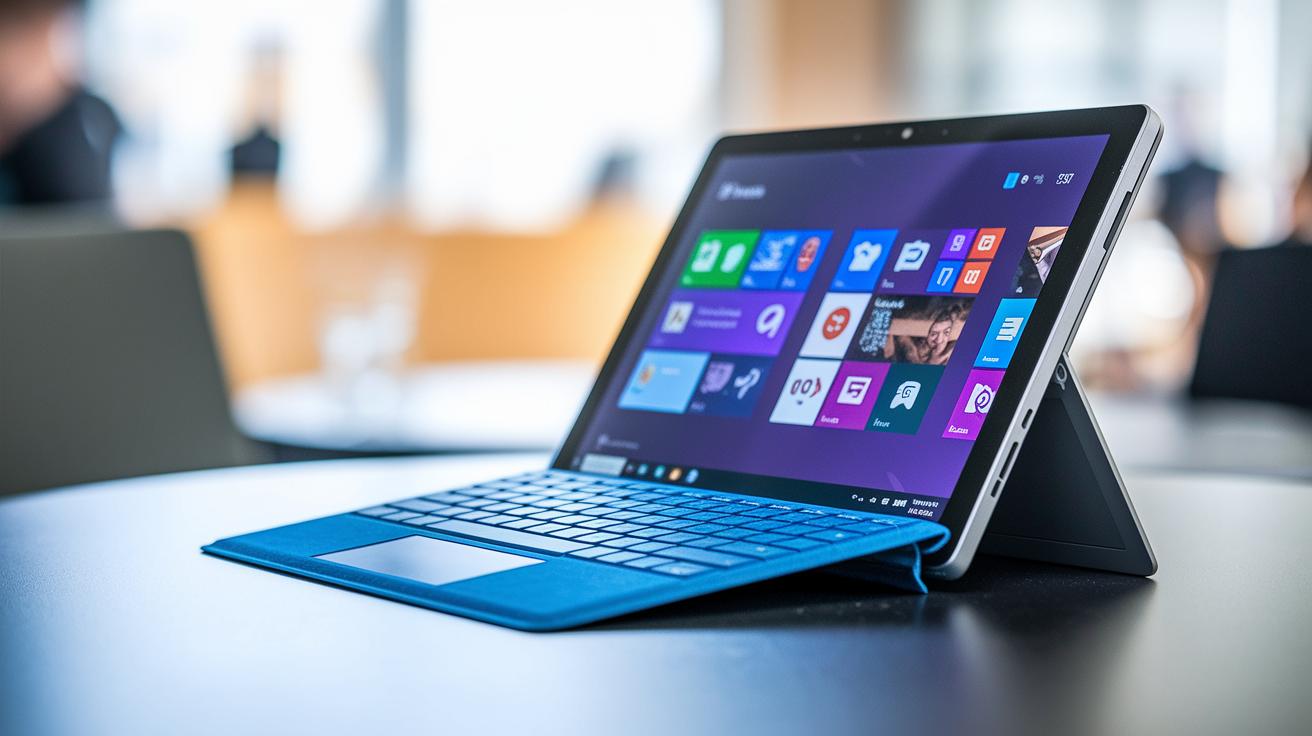
Windows Phone 7 wasn’t just about hitting key dates, it reshaped how our devices interact with us. With Live Tiles that updated in real time, each glance at your screen felt like discovering a mini-app. I remember a reviewer saying how each tile turned everyday checks into little moments of surprise, and it totally fits into our everyday tech vibes.
Then came the Lumia 1020, a game changer in hardware calibration. This phone’s 41 MP PureView sensor transformed low-light photography with clever sensor processing and smooth image stabilization. Imagine capturing a dark, starry night with unparalleled clarity, the Lumia 1020 made that possible and set a high bar that today’s smartphones still chase.
Of course, no tech journey is perfect. Temporary hiccups like the YouTube blockage underscored the challenges of merging top-tier hardware with equally robust software. These bumps in the road taught us that a killer user experience needs both stellar devices and seamless service support.
Overall, the evolution of Windows Phone, from its energetic beginnings to later integration hurdles, left us with a blueprint for modern smartphone design. Its legacy continues to steer how we approach user-friendly software and precise hardware tech today.
Microsoft Phone Hardware: Dual-Screen and Flagship Specs
Microsoft’s Surface Duo takes a daring leap into the dual-screen world. It pairs two 5.6-inch AMOLED screens that flow together into one smooth 8.1-inch display. The result is an easy, natural way to work with multiple apps or dive into your favorite media. It even gives a nod to classic Metro UI, but all within a modern Android setup that feels both familiar and fresh.
Under the hood, the Surface Duo runs on a Qualcomm Snapdragon 855. With 6 GB of RAM and up to 256 GB of fast UFS storage, it can juggle tough multitasking and heavy apps without breaking a sweat. Its 3,577 mAh battery charges at 18 watts, keeping you productive throughout a busy day, even though some reviewers say you might need to watch your battery use closely.
There are a few bumps on the road, though. The 11 MP rear camera with an f/2.0 aperture struggles in low light compared to some other top-tier phones. Plus, while the dual-screen design makes multitasking feel smooth, the single USB-C port and hinge durability have raised some concerns.
For a quick look at the key details, check out this specs list:
- Dual 5.6-inch AMOLED screens that combine into an 8.1-inch Flex View
- Snapdragon 855, 6 GB RAM, up to 256 GB UFS storage
- 3,577 mAh battery with 18 W charging
- 11 MP rear camera with f/2.0 aperture
- Aluminum hinge with Gorilla Glass 5
Overall, the Surface Duo blends sharp design with capable performance, carving its own niche in today’s competitive smartphone market.
Microsoft Phone Ecosystem Integration and Productivity
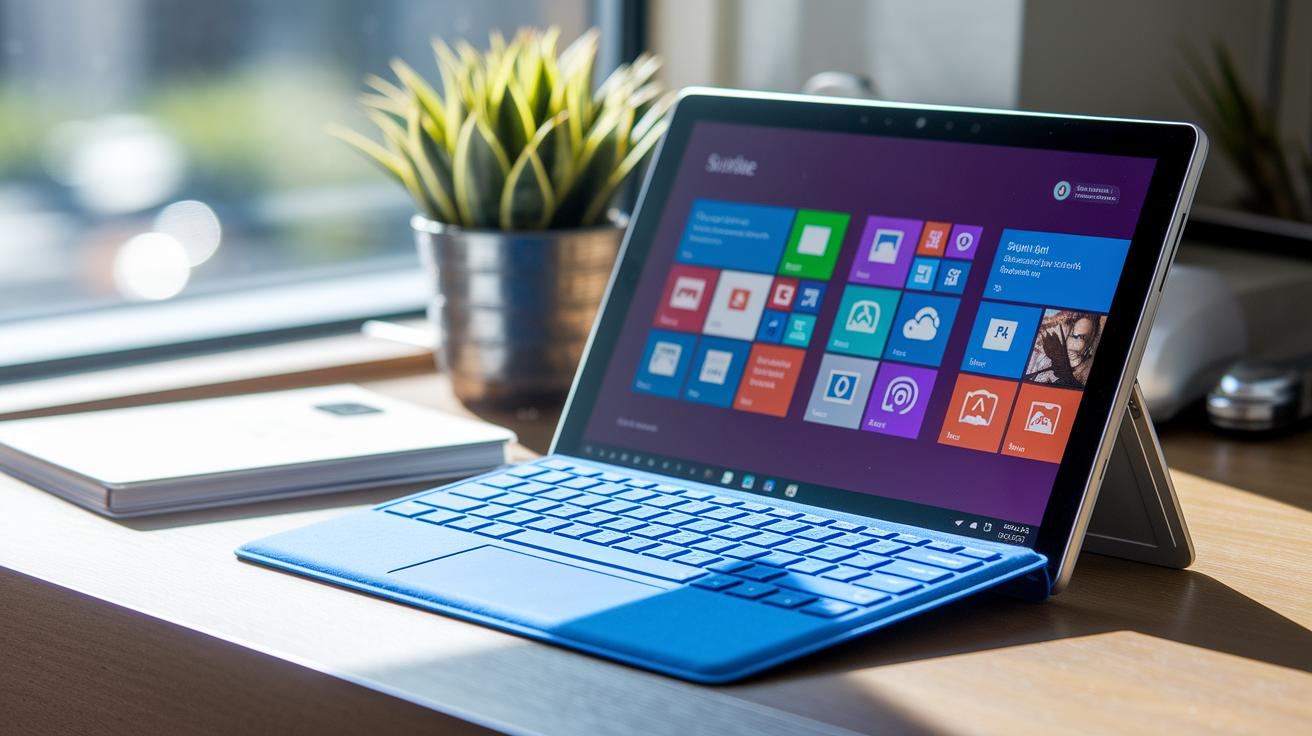
Surface Duo isn’t just a pretty face with its smooth dual-screen look, it’s a handy bridge between your phone and PC work. It automatically syncs OneDrive files, so when you update a document on your phone, that fresh version shows up on your computer right away. Imagine working on a report in Office Mobile for Word and picking it up on your Windows 10 or 11 machine next, it's like having your own digital workspace that flows effortlessly.
Outlook Mobile makes sure your emails keep rolling in, and Teams puts meeting invites and chats right at your fingertips. One user even said it felt like "switching between rooms in the same house," a neat way to describe how real-time co-authoring on OneDrive really brings everyone together.
Meanwhile, Phone Link takes multitasking to a whole new level by letting you mirror calls, messages, and notifications from your phone straight to your computer. If you’re curious about how Phone Link works on your PC, check out phone link windows. And with Live Tiles and Fluent Design features, hints of the classic Metro UI, your interactions remain both lively and informative.
The Microsoft ecosystem also covers Office Mobile apps, so you can handle Word, Excel, and PowerPoint files on the go. Everything is tied together, allowing you to jump from managing emails to reviewing documents without skipping a beat. This smooth cross-platform connection turns Microsoft phones into more than just gadgets; they become essential tools for getting things done in today’s busy world.
Microsoft Phone vs Competitors: Software and Hardware Comparison
When you dive into today’s mobile scene, it’s like exploring different worlds of experience. Take the Lumia 1020 for instance – it promises that "magic" of 41 MP PureView, capturing every tiny detail with its Xenon flash. Then there’s the Surface Duo. Its twin 5.6″ AMOLED displays make switching between tasks feel incredibly smooth. It blends its Android base with hints of the classic Metro look for a unique twist.
Now, stack these up against other heavy hitters. The iPhone 13, for example, is all about that A15 Bionic chip and a dual-camera system that users often praise for balancing style and performance. Meanwhile, the Pixel 6 takes a different route. With Google’s Tensor chip and a 50 MP wide lens, it dishes out photos that are sharp and vivid. Each device shows off its own strengths, and even their batteries tell a different story. The Lumia 1020 sticks with a modest 2,000 mAh battery, while the Surface Duo offers a bit more endurance at 3,577 mAh. The iPhone 13 and Pixel 6 come in with 3,240 mAh and 4,614 mAh respectively.
Here’s a quick snapshot for all tech lovers and analysts wanting a side-by-side breakdown:
| Model | OS | Display | Camera | Battery |
|---|---|---|---|---|
| Lumia 1020 | Windows Phone 8 | 4.5″ AMOLED | 41 MP PureView | 2,000 mAh |
| Surface Duo | Android 10 | 2×5.6″ AMOLED | 11 MP f/2.0 | 3,577 mAh |
| iPhone 13 | iOS 15 | 6.1″ OLED | 12 MP dual-cam | 3,240 mAh |
| Pixel 6 | Android 12 | 6.4″ AMOLED | 50 MP wide | 4,614 mAh |
This clear comparison highlights each device’s unique flavor while giving you a solid benchmark for operating system, display quality, camera features, and battery life. Enjoy exploring these flagship devices!
Microsoft Phone Support and Troubleshooting Methods
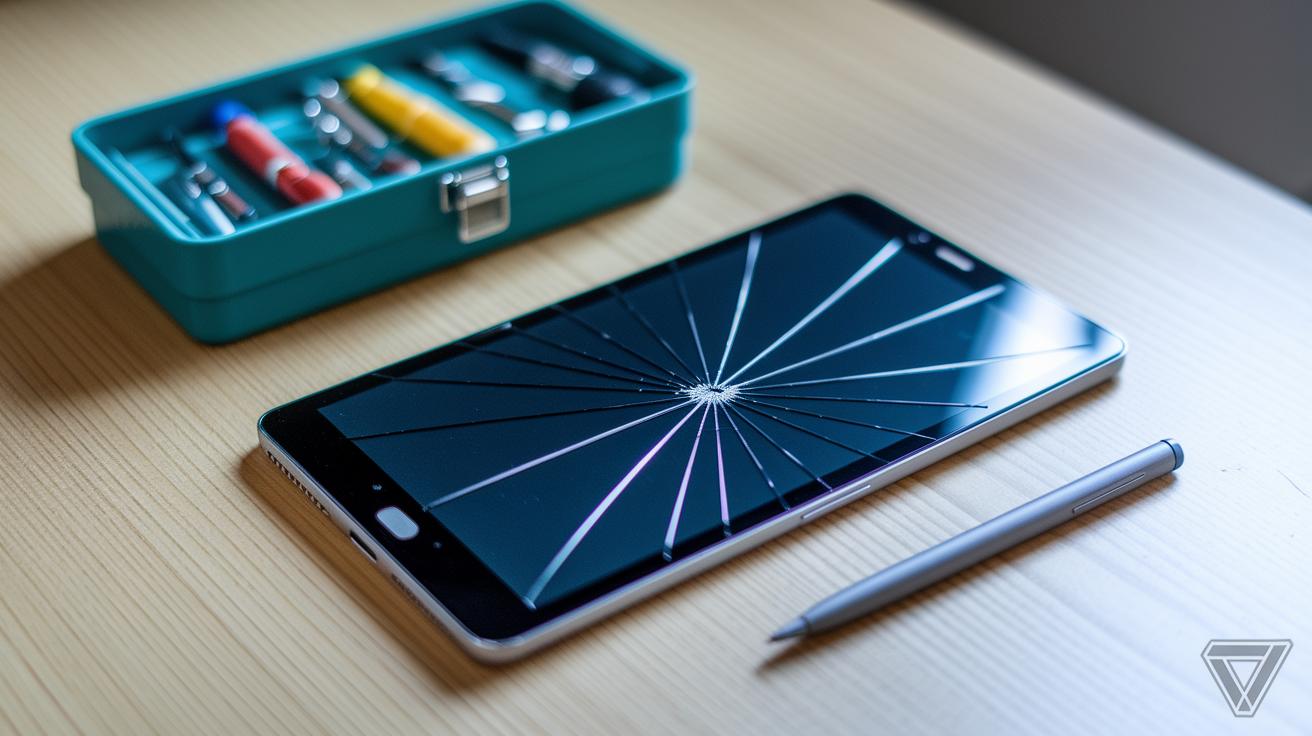
Microsoft phones can sometimes act up in unexpected ways. You might notice a stiff hinge on your Surface Duo or run into issues with Android app compatibility and update errors on older Windows Phone models. Some users even experience glitches with Live Tiles not syncing properly, which can throw off the whole flow. Even though Microsoft ended official support for Windows Phone back in December 2019, a dedicated community of users still shares helpful tips for troubleshooting those older Lumia devices.
For the Surface Duo, the monthly Android security patches are there to smooth out any software bumps and keep things running steady. Detailed repair guides are available, offering step-by-step advice on how to fix hardware issues or even roll back the operating system when needed. If your device is having trouble connecting or showing random software errors, it might be a good idea to check out technical support resources or jump into community forums where seasoned users share fixes that have worked for them.
Here’s a quick checklist often recommended for troubleshooting:
- Techniques to fix syncing issues and live update problems
- An overview of the software patch release cycle for timely updates
- Access to technical support and detailed repair guides
- Guidance on privacy and security, including practices based on concepts like zero trust security
These resources help tackle everyday glitches, ensuring you get the smooth, reliable device experience you deserve.
Microsoft Phone Future Outlook: Prospects and Upcoming Concepts
Microsoft Phone's future looks really exciting. They’re planning to mix state-of-the-art hardware upgrades with fresh software ideas that feel both innovative and familiar. There’s chatter that the next Surface Duo might sport a Snapdragon 8-series chipset, sharper camera enhancements, and a hinge so smooth you might barely notice it. And with deeper Windows integration, the line between mobile and desktop could finally blur, making your work and play flow effortlessly.
But that’s just the start. Microsoft might even bring back its classic Metro-style look, only this time, it’ll run on a tailored Android shell. It’s like enjoying a favorite old tune with a modern remix. There are even whispers about mixed reality capabilities through HoloLens pairing, where the digital and physical worlds merge in surprising ways. Meanwhile, developer previews hint at smarter gesture controls, tighter Teams integration, and AI-powered features designed to simplify daily tasks.
In short, Microsoft is gearing up to unite PC, mobile, IoT, and XR through Microsoft Graph, creating a seamless, interconnected ecosystem. This bold vision, packed with augmented reality magic and personalized OS tweaks, could really redefine how we experience our devices every day.
Final Words
In the action, we followed the microsoft phone story from daring Windows Phone beginnings to today’s dual-screen Surface Duo. We revisited bold hardware feats, office tool integrations, and practical troubleshooting tips that show off real-world performance. Each step painted a picture of a system evolving to meet user needs in a tech-forward yet familiar way. It leaves us with a sense of optimism as fresh designs and productivity enhancements signal a bright future ahead.
FAQ
What is Microsoft Phone on Samsung devices?
The term “Microsoft Phone Samsung” refers to Microsoft’s legacy Windows Phone running on selected Samsung devices, which showcased a unique Metro-inspired interface and innovative design elements.
How can I find a Microsoft phone number for support?
The inquiry “Microsoft phone number” addresses finding official support contacts for Microsoft phone issues, which are available on Microsoft’s support web pages for obtaining help with legacy and current devices.
How does Microsoft Phone run Android?
The phrase “Microsoft Phone Android” highlights that modern Microsoft phones like the Surface Duo use Android, blending familiar mobile features with subtle Metro UI design cues for a distinctive experience.
What is the current Microsoft phone price?
The query “Microsoft phone price” focuses on pricing details for current models like the Surface Duo, which are positioned as premium, high-performance devices with competitive pricing based on configuration and features.
What is meant by the Microsoft Phone app?
The term “Microsoft Phone app” often refers to integrated applications like Phone Link that connect your phone to a Windows PC, allowing you to manage calls, messages, and notifications seamlessly.
What details do we know about the Microsoft Surface Duo 3?
The mention “Microsoft Surface Duo 3” suggests upcoming models expected to feature hardware upgrades and tighter software integration, building on the dual-screen design and productivity features of earlier models.
How does Microsoft Phone Link work?
The expression “Microsoft Phone Link” emphasizes the tool that syncs your phone with Windows PCs, consolidating calls, messages, and notifications to help streamline multitasking across devices.
What is expected from Microsoft Phone in 2025?
The phrase “Microsoft phone 2025” points to predictions of future enhancements, including refined hardware and deeper integration with Microsoft’s ecosystem, which align with ongoing trends in mobile productivity.
How does Phone Link integrate with Microsoft Windows and Windows 11?
The combination “Phone Link, Microsoft Windows, and Windows 11” indicates that the tool is built to work smoothly with both Windows 10 and Windows 11, offering seamless cross-device connectivity for messages and notifications.
Can I use Google Voice, scrcpy, or iCloud on a Microsoft Phone?
The items “Google Voice, scrcpy, iCloud” refer to popular third-party apps; while Google Voice and scrcpy typically function on Android-based devices like the Surface Duo, iCloud remains primarily an Apple service with limited integration.