

Ever wonder if your smartphone could really put you in control? Linux phones flip the script by running a complete Linux system that lets you tweak every little detail. This means you get extra freedom plus strong privacy features that really set these gadgets apart.
Imagine a device that lets you dive deep into customization while keeping your data safe. With Linux phones, you're not just using a phone, you're running a mini-computer right in your pocket. And that open approach opens up a world of possibilities for tinkering, exploring, and tailoring your tech just the way you like it.
These devices challenge the everyday norm and offer a fresh alternative for anyone who craves more command over their tech. Curious to see how they work? Keep reading and discover a bold new way to experience your mobile device.
Linux Handset Introduction: Understanding Linux Phones
Linux phones are smartphones that run a full Linux operating system right on their own hardware. They stand apart from Android or iOS devices because they let users dive into open firmware, offer strong privacy features, and allow for extensive custom tweaks. Imagine a phone that welcomes tinkering like a classic car engine, you can adjust its inner workings exactly how you like it.
Popular models such as PinePhone, Librem 5, Volla, and Pro 1X follow this philosophy. They let you unlock the bootloader and even include hardware kill switches, handing you real control over your device. Fun fact: before mainstream smartphones dominated, Linux phones were the go-to for tech fans seeking genuine software freedom.
These devices focus on privacy. They include features like secure boot and data encryption to protect your information, whether you're storing it or sending it out. Plus, they support community-led projects that keep making the user experience better. But there are some challenges, many Linux phones use older system-on-chips, the range of apps might feel limited, and their hardware can sometimes fall short compared to more popular alternatives.
If you’re passionate about privacy and crave customization, a Linux phone is a compelling choice. It bridges the gap between creative control and digital security, letting you manage your data while experimenting with an open, adaptable mobile platform.
Pine Project Analysis: Reviewing the PinePhone

So here’s the lowdown on the PinePhone: it's driven by an Allwinner A64 SoC, a chip that keeps things smooth for everyday tasks. With 2–3 GB of RAM, it’s a neat fit for anyone who loves the open-source vibe without spending a fortune.
The 3000 mAh battery powers up for about 8 hours of screen-on time, which feels pretty solid for daily use. And there’s a nifty twist, hardware kill switches for the microphone and camera. Imagine flipping a switch, just like turning off a light when you leave a room, that’s the kind of privacy control you get. One user even said it felt a bit like double-locking your front door for extra assurance!
Customization is a breeze here thanks to open firmware support, which lets community updates from places like PostmarketOS and Mobian keep the phone fresh, even without the flashiest hardware inside. With a price tag hovering around $150–200, it’s a welcoming pick for both developers and tech enthusiasts ready to experiment.
Even though the build quality is pretty basic, the modular design makes repairs and upgrades much simpler, inviting you to tweak and personalize the phone just the way you like it.
| Feature | Benefit |
|---|---|
| 2–3 GB RAM | Reliable multitasking |
| Hardware Kill Switches | Direct privacy control |
| Community Updates | Ever-evolving software |
All in all, the PinePhone is a standout example of open-source innovation. It blends affordability with a strong focus on user empowerment and customization, making it a great option for anyone eager to get hands-on with their smartphone experience.
Purism Librem 5 Evaluation: Privacy-Focused Linux Smartphone
The Librem 5 uses PureOS, a Debian-based system built to protect your privacy. It comes loaded with open firmware, secure boot, and handy hardware kill switches that let you quickly disable the camera or microphone when you want extra security. Powered by an NXP i.MX 8M CPU and 3–4 GB of RAM, this phone is built for privacy rather than outright speed, so everyday tasks might feel a bit slow at times.
Its design feels very sturdy, though it has some quirks. The phone is a bit thick and the chassis can flex under pressure, giving it an old-school vibe compared to today’s sleek smartphones. On top of that, its encryption keeps your data safe both when stored and during transfers, think of it as a personal vault for your sensitive information.
Regular updates are delivered each quarter to keep the security features up to date. For anyone who values privacy, the Librem 5 is a solid choice, even if it means sacrificing some speed and modern design for maximum control over your data.
Volla Device Breakdown and Ubuntu Touch Insights
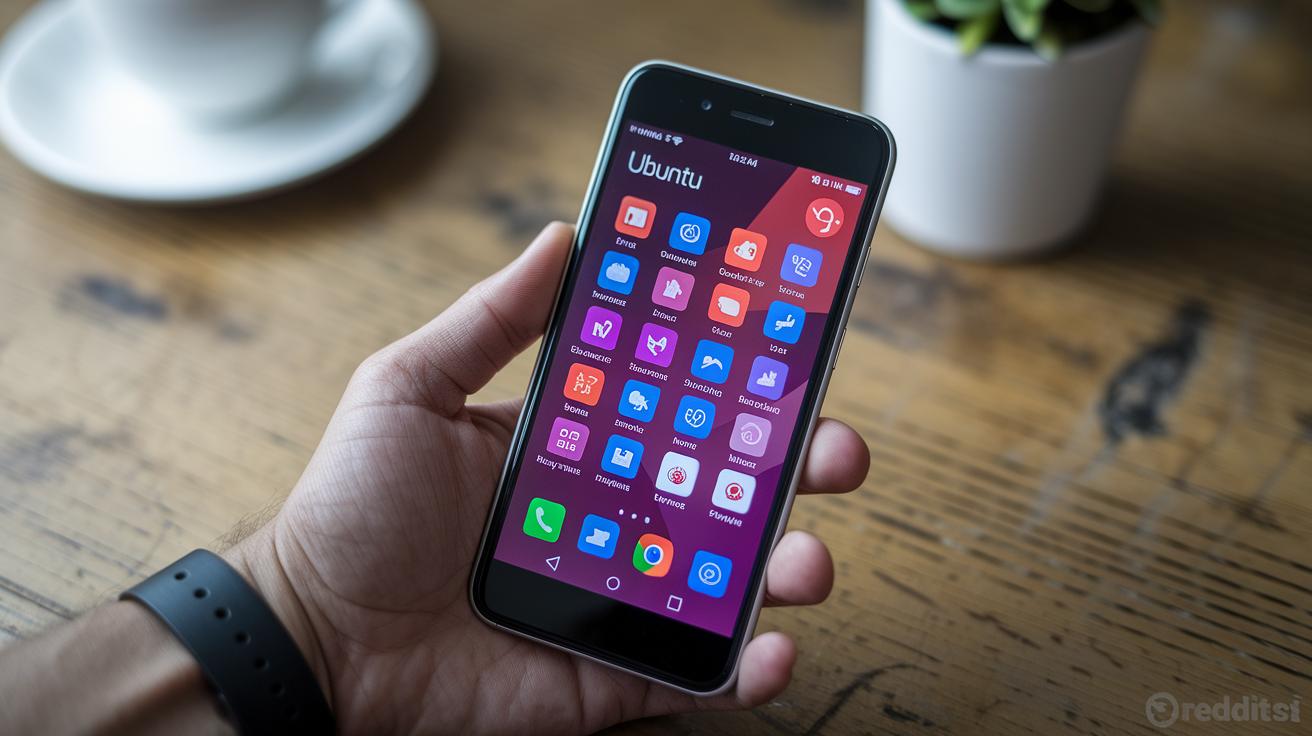
The Volla Phone boasts a strong hardware base that meshes naturally with Ubuntu Touch by UBports. Powered by the MediaTek Helio P23, its 4 GB of RAM means you can switch between tasks smoothly, while the 4000 mAh battery keeps you going throughout the day. Ubuntu Touch’s gesture-based interface feels intuitive, imagine casually flipping through your favorite photo album as you swipe and tap.
The touchscreen is very responsive, even if it tops out at a 60 Hz refresh rate, which is plenty for day-to-day use but might feel a bit restrained for high-refresh enthusiasts. With nearly 50 core apps pre-installed from OpenStore, you get a handy set of tools for everyday needs without being overwhelmed. Plus, quarterly OTA updates keep the device secure and fresh with the latest improvements.
| Feature | Specification |
|---|---|
| Processor | MediaTek Helio P23 |
| RAM | 4 GB |
| Battery | 4000 mAh |
| Display Refresh | 60 Hz max |
Ubuntu Touch offers a refreshing look at how open-source software can create an engaging and user-friendly mobile experience that feels both secure and uniquely personal.
Alternative Mobile Distros: Custom OS Installation & Compatibility
If you’re the kind of user who loves tweaking and taking control, swapping your Linux distro is a smart and refreshing move, like giving your phone a custom makeover. Think about how Marie Curie once casually carried test tubes in her pockets, not knowing they would later redefine her career. In the same way, advanced users can turn their Linux phone into a tailor-made device by installing a different operating system.
Getting started is simple. First, unlock the bootloader on devices like the PinePhone or Librem 5. This crucial step lets you flash over new firmware, such as PostmarketOS (which comes from Alpine and is known for being lean) or Mobian (built on Debian, offering solid stability). You might also need to apply a few kernel patches to make sure your hardware runs smoothly. And don’t forget to handle partition resizing with care, a missed step here can lead to driver issues or even freeze your system.
Here’s a quick guide:
- Unlock the bootloader using the provided developer tools.
- Run command-line utilities to flash your chosen OS image.
- Apply any necessary kernel patches that match your device’s ARM64 setup.
- Confirm that all drivers are installed, especially if you’re aiming for an Arch-based distro that might need extra custom kernel tweaks.
Many ARM64 devices are very flexible, giving you plenty of options. Just be cautious with some distributions, like those based on Arch Linux, as they often require more manual adjustments. This process is an open door to explore the fun world of open-source tech and make your mobile device truly your own.
| Distribution | Base | Notes |
|---|---|---|
| PostmarketOS | Alpine | Efficient and lightweight |
| Mobian | Debian | Stable with familiar tools |
| Arch-Based OS | Arch Linux | Custom kernel required |
Software Ecosystem Survey: Applications & Developer Tools

Linux phone users have plenty of options when it comes to downloading favorite apps and personalizing their device. If you’re curious, you can explore places like OpenStore on Ubuntu Touch or dig into Apt repos in Debian and Mobian. Imagine typing "apt install morph-browser" and launching Morph Browser in a flash, it’s like having the web at your fingertips with a rich open-source flavor.
Key apps such as Morph Browser, Telegram-OX, and the Nextcloud client make everyday tasks a breeze. Whether you're browsing, messaging, or storing files in the cloud, these apps offer a seamless experience with an eye on privacy and user control.
Developers get a real treat too. The landscape is filled with powerful tools like libhybris, SDK2, and even direct shell access that invites you to adjust and refine your device. Mixing in cross-compile toolchains makes porting and customizing software as satisfying as fine-tuning a game mod, simple tweaks lead to a standout user experience.
Communities across Pine64 forums, UBports chats, and GitLab are always alive with new ideas, step-by-step guidance, and troubleshooting tips to help you along the way.
- Access comprehensive code repositories
- Utilize shell commands for quick fixes
- Share and refine projects within community hubs
Performance Benchmarks & Hardware Durability Comparison
When checking out Linux phones, speed and durability are top priorities. For example, Geekbench 5 single-core scores show the PinePhone scoring around 300 and the Librem 5 landing closer to 250. This suggests the PinePhone might handle everyday tasks a bit quicker, kind of like comparing two athletes, where one might sprint slightly faster but both keep a solid pace.
Battery life tells a similar story. The PinePhone usually keeps the screen on for about 8 hours, making it good for a day of moderate use. Meanwhile, the Librem 5 averages about 6 hours. Think of it like using two flashlights, one glows a bit longer under the same conditions.
Thermal management is another key point. Both phones stay cool during light use, but push them hard for a long time, and they start to throttle their performance. It’s similar to a car engine that needs a break after heavy driving to prevent overheating.
Durability also comes into play. The Librem 5’s casing shows some flex, giving it a more plastic feel, while the PinePhone’s modular design offers a sturdier vibe that makes repairs or upgrades easier.
| Aspect | PinePhone | Librem 5 |
|---|---|---|
| Geekbench 5 (single-core) | ~300 | ~250 |
| Battery Life | ~8 h | ~6 h |
| Thermal Performance | Sustained light load | Sustained light load, throttles on heavy tasks |
| Structural Durability | Modular design | Chassis flex present |
2 linux phone Inspires Open-Source Brilliance

The world of open-source phones is about to get a serious boost. New devices, like the upcoming Liberux NEXX, are already stirring up excitement in pre-crowdfunding circles. They’re set to pack high-performance ARM Cortex-A76 CPUs (think powerful, modern processors), speedy 5G modems, and over 6GB of RAM. Imagine upgrading from a basic Linux phone to one that performs like a high-end flagship, delivering almost desktop-like power right in your pocket.
And it doesn’t stop there. Fresh partnerships are fueling this revolution, UBports is teaming up on next-gen hardware projects while Pine64 is preparing some truly cutting-edge boards. Prices are also looking friendlier, with forecasts hinting at a 10-20% drop by the end of 2025, which means these innovative Linux phones will soon be within reach for more people. Plus, global support is expanding into markets in Asia and the EU, opening doors to a richer software ecosystem. All in all, better hardware, collaborative efforts, and evolving pricing are set to launch Linux phones into a new era of open-source brilliance that prizes both performance and user freedom.
Final Words
In the action, we explored Linux handsets from every angle, from the basic introduction to hands-on reviews of the PinePhone and Librem 5, along with insights into Volla and custom OS installations. We examined software tools, performance benchmarks, and future hardware trends, painting a clear picture of this innovative tech arena. The detailed look at a linux phone shows that yes, alternative mobile systems can offer compelling privacy and customization benefits. The outlook remains upbeat as fresh ideas continue to push the envelope in smartphones.
FAQ
Q: What is the price range for Linux phones and where can I buy them?
A: The Linux phone price generally ranges around $150–$200 for models like the PinePhone, which are available for sale through community and online retailers.
Q: What are some notable Linux phones, including PinePhone and Samsung devices?
A: The Linux phone lineup features models such as PinePhone, Librem 5, and Volla. While Samsung devices aren’t mainstream Linux phones, community projects sometimes run Linux on select Samsung models.
Q: What Linux phones are commonly listed and discussed on platforms like Reddit?
A: The Linux phone list often includes PinePhone, Librem 5, and Volla, with active discussions on Reddit where users share experiences, tips, and modifications for these community-driven devices.
Q: Will there be new Linux phones with 5G support by 2025?
A: Linux phone developments for 2025 hint at incorporating 5G support and next-generation hardware, as emerging models aim to offer enhanced performance and broader global community support.
Q: Is there a phone that runs Linux?
A: Yes, several phones run Linux, including models like the PinePhone and Librem 5, which are built to provide open-source firmware, strong privacy features, and flexible user customization.
Q: What are the disadvantages of Linux mobile phones?
A: Linux mobile phones often face challenges such as a limited app ecosystem, older chip designs, and occasional hardware compatibility issues compared to mainstream Android and iOS devices.
Q: What phone does Elon Musk use?
A: The Linux phone community hasn’t linked Elon Musk to a specific Linux device; his mobile choices remain largely undisclosed, reflecting his broader focus on tech trends rather than niche operating systems.
Q: Is Linux a mobile phone operating system?
A: Linux is a mobile operating system when used in distributions like PureOS, Ubports, and Mobian, which power privacy-focused smartphones designed for robust security and customization.