

Tired of the same old phone cases that all blur together? With our easy tool, you can design a case that really shows off your personality. First, choose your phone model, and then start with a blank canvas. Mix in your favorite colors, playful patterns, or even a special photo to add your personal touch.
Our fast UV printing process brings your design to life with vibrant, long-lasting color that not only looks great but also protects your device. Feeling ready to ditch the ordinary? It’s time to build a phone case that reflects who you truly are.
Custom Mobile Case Builder: Design Your Own Phone Case in Minutes
This handy service makes creating your own phone case a breeze. It works with an array of models, from the latest iPhone versions to popular Samsung Galaxy and Google Pixel models. You can whip up a personal design or even create a product for resale in under five minutes, thanks to its simple and clear interface.
The process is straightforward. First, choose your device model and start with a blank canvas. Play around with different layouts, colors, and patterns until you nail the look you want. Once you’re happy with your design, a fast UV-print process brings your artwork to life on the back of the case. This method delivers vibrant, durable colors that stand up to everyday use. Meanwhile, the sides remain clean but feature precise cutouts for ports, switches, and buttons, keeping your phone fully functional and stylish.
There’s no minimum order here, so you can get just one case or a batch for commercial needs. With production centers in Australia, the US, the UK, Italy, and Germany, free shipping is offered worldwide, and you can expect delivery in just 2 to 5 business days. This all-in-one tool is perfect for anyone who values both style and practicality when it comes to protecting their device.
Explore Design Options to Personalize Your Phone Cover
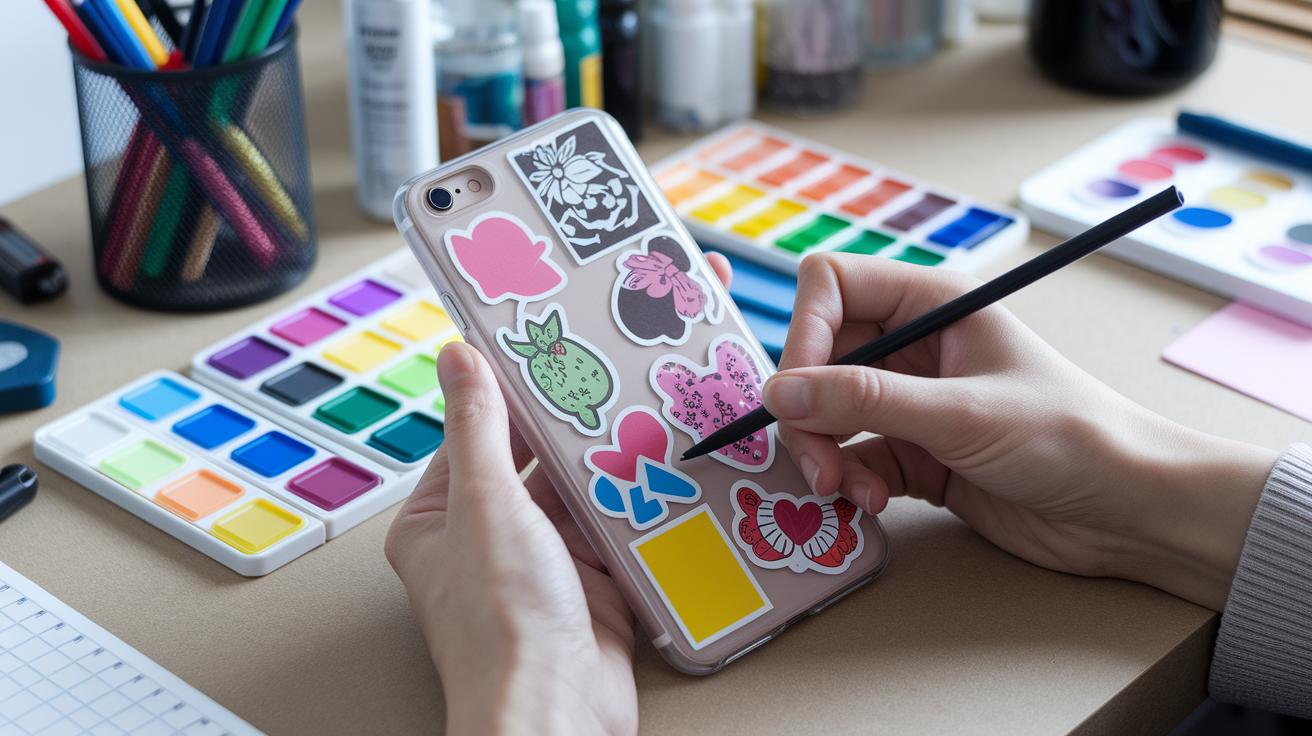
Imagine turning a plain phone case into your very own masterpiece. This easy-to-use tool gives you a blank canvas where your creativity takes the lead. You can pick from a wide range of patterns and color palettes, whether you’d like bold, modern shapes or soft, classic tones that reflect your vibe.
You can mix in a personal touch by uploading your favorite photo, adding playful stickers, or even typing a handwritten message like your name or a fun catchphrase. It’s all about making your phone case truly yours.
And it doesn’t stop at just cases. You can also style your AirTag cases, MagSafe wallets, and laptop skins with the same creative flair. Every step of the process lets you swap, match, and experiment until your design feels just right, a true piece of wearable art that stands out wherever you go.
Step-by-Step Custom Phone Cover Design Tutorial
Prepare to create a phone cover that’s as individual as you are. This guide will walk you through each step with clear, simple instructions so you can enjoy the process.
-
Select device model – Start by picking your phone model. Whether it’s the newest iPhone or a trusted Samsung, choosing the right model means your design will fit perfectly. For instance, “I chose my iPhone 15, and everything just clicked.”
-
Choose case style – Next, decide if you want a snap, tough, or clear case style. Each option has its own unique vibe. Imagine saying, “I went with the tough style because it keeps up with my busy lifestyle.”
-
Pick blank canvas or template – Now, decide if you’re starting fresh with a blank canvas or using a pre-made layout. This choice helps you picture your final design. Think of it as starting with a clean page that sparks endless creativity.
-
Upload artwork or photo – Time to add your personal touch! Upload your favorite photo or digital art to make the cover truly yours.
-
Place and resize graphics – Adjust your image to perfectly fit the case. Simply drag and scale the design until every detail is just right.
-
Add text and stickers – Customize even further by adding names, catchy phrases, or fun icons. A small sticker can easily make your design stand out.
-
Preview high-resolution mockup – Check out the detailed preview to see all your elements come together. This lets you be sure that every detail will look great when printed.
-
Confirm cutout alignment – Make sure ports, switches, and buttons are all clearly exposed through the design. This step ensures nothing important gets covered.
-
Submit order and track fulfillment – Finally, place your order and watch your design move through production. With UV-print durability, your case will stay vibrant and reliable.
Each step in this tutorial gives you the tools to design a personalized phone cover in a simple, straightforward way. Enjoy crafting your unique tech accessory!
Materials, Pricing, and Bulk Order Benefits for Your Custom Case
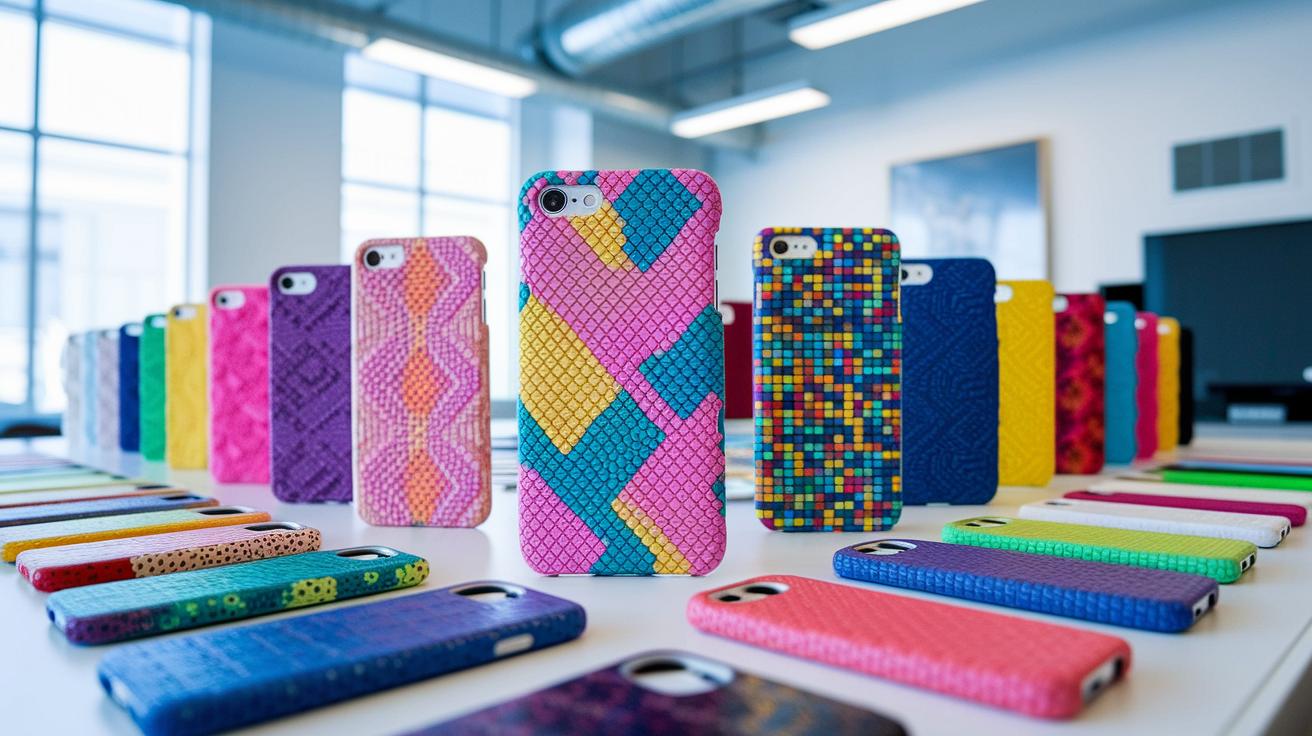
If you're looking to create a custom phone case that's both eye-catching and tough, this service is a great finds. They let you pick from a few sturdy materials, like durable snap, tough, or clear polycarbonate (a strong, lightweight plastic), so your case not only looks sleek but also offers solid protection. The UV-print process uses fade-resistant inks to deliver vivid, lasting images for your design. And at just $15.99 per case, whether you're crafting a personal piece or gearing up for a business project, it's an offer that speaks to both quality and value. Plus, free worldwide shipping from production centers in Australia, the US, the UK, Italy, or Germany means you get your order no matter where you are.
If you’re planning to make a unique mark with your mobile case, bulk orders add even more perks. Orders of 25 or more cases snag up to a 25% discount, and you can mix different designs in one go. White-label packaging keeps your branding front and center, ensuring everything looks professionally yours. This flexible pricing and ordering structure works well for both small projects and larger business needs. With dependable materials, affordable pricing, and global fulfillment, this service is a top pick if you want to blend creative design with practical protection. Each case is crafted to secure your device while serving as the perfect canvas for your custom artwork.
Real User Reviews and Inspiring Examples of Personalized Phone Shells
A small design studio recently gave high praise to our new design tool, saying it boosted their brand's style. They picked a limited-edition artist series case that showed off cool texture details and special finishes. One designer mentioned, "Using the new advanced brush options turned our logo into a lively piece that got people talking at every event."
We listened to our customers, and their feedback led us to add helpful features. Now, you can use an augmented reality preview to adjust details before printing. One freelance graphic artist said, "The AR preview was like watching my art come to life, every tweak felt like adding the finishing touch to a masterpiece."
Stories like these show how our evolving tool not only sparks creativity but also empowers makers to design phone cases that truly reflect who they are.
Final Words
In the action, we've explored a quick and creative way to design your own phone case. We covered the custom mobile case builder's fast interface and detailed steps that let you craft a personalized design on your device. The post touched on material choices, pricing benefits, and bulk order perks, along with genuine user experiences that highlight print quality and speedy delivery.
This guide leaves you feeling ready to jump in, confident in your skills and excited to start your next custom phone case project.
FAQ
How does phone case maker online free work?
The phone case maker online free simplifies the design process by letting you create and customize a case without any design fees. The tool offers a clear interface for uploading images and adjusting layouts quickly.
How do I design your own phone case for Samsung devices?
The design your own phone case Samsung option lets you tailor a cover to fit your Samsung model exactly. It offers tools to select images, add text, and preview the design before you order.
How do I design your own phone case for iPhone 11, iPhone 12, and iPhone 13?
The design your own phone case for iPhone option supports models like iPhone 11, iPhone 12, and iPhone 13. It provides an intuitive interface that lets you customize your case quickly and with ease.
How do I customize a phone case with pictures?
The customize phone case with pictures feature allows you to transform personal photos into a unique design. It makes uploading and editing images straightforward, ensuring your case reflects your style perfectly.
What is a phone case design template?
The phone case design template offers a pre-set layout that aligns with your device’s features. It helps you design confidently by ensuring that images and text are precisely placed around buttons and ports.
How do I make your own phone case near me?
The make your own phone case near me service connects you with local production centers for faster fulfillment. It ensures that your custom design is produced and shipped quickly, often within 2–5 business days.