

Ever thought your phone could turn everyday life into a vibrant digital playground? With mobile augmented reality on your smartphone or tablet, the world around you bursts into color and interactivity. Simply point your camera, and digital details pop up, almost like magic. This clever blend of tech and creativity smooths the line between real and virtual, making activities like gaming and learning feel fresh and engaging. Let's explore how mobile AR is turning ordinary moments into exciting adventures.
Defining mobile augmented reality technology on smartphones and tablets

Mobile augmented reality technology has totally changed the way we see the world around us. Imagine your phone or tablet adding colorful, digital layers to what you normally see, it’s like mixing magic into everyday life. With a quick glance through the camera, regular streets become interactive canvases that burst with digital details. Fun fact: before this tech, seeing a digital overlay on our reality was something straight out of a sci-fi movie!
When you point your device at an object, a piece of text, or even a barcode, the camera gathers all that data and pairs it with sensors like accelerometers and gyroscopes. Some devices even use LiDAR, a tool that measures distances by bouncing light off objects, to capture the room’s layout. This combo of sensors works together in real time. So, a quick scan of your living room might launch a virtual tour offering new interior design ideas, all thanks to smart sensor integration.
The cool thing is that mobile AR isn’t just for fun, it’s changing how we play games, navigate, shop, and learn. Games like Pokémon Go turn city streets into epic playgrounds, while navigation apps provide real-time maps that feel almost interactive. Brands are using AR to transform static ads into lively, engaging experiences, and classrooms are turning tough topics into hands-on lessons with digital overlays. In short, mobile augmented reality is revolutionizing traditional media by turning normal scenes into interactive adventures.
Core components of mobile augmented reality technology on modern devices

iOS devices really stand out by packing in LiDAR sensors, which send out infrared pulses to map your surroundings with incredible precision. The sensor data flows directly into ARKit and the iOS AR SDK, paving the way for rapid image processing and real-time rendering. It’s almost like having an extra set of eyes that instantly reads and measures your environment, making virtual overlays feel authentically blended with the real world.
Android devices, meanwhile, take a slightly different route. They use a camera-based system called ARCore, launched back in March 2018, to detect surfaces and images. While this method works well for spotting flat areas and basic objects, it can sometimes miss the mark on realistic lighting and physics compared to LiDAR’s precision. Still, with the help of cameras, motion sensors, and simple depth estimation, Android phones deliver a compelling and immersive augmented reality experience.
Both platforms lean on a powerful mix of sensor integration, strong CPU and GPU performance, and reliable AR software frameworks. This blend of cameras, depth sensors, and motion detectors like accelerometers and gyroscopes creates smooth, real-time AR visuals. In other words, transforming everyday devices into tools that open up a whole new perspective of immersive tech.
Types of mobile augmented reality technology experiences

Mobile augmented reality brings a touch of digital magic to our everyday world. It lets us see virtual scenes, interactive images, or digital posters layered right on top of what we see. In simple terms, there are three ways this tech works: markerless AR, marker-based AR, and projection AR.
Markerless AR
Markerless AR uses your device’s ability to detect flat surfaces and track motion to seamlessly add digital content around you. Picture walking down a street and noticing subtle, animated details that enhance the scene, like playful animations on a park bench. It’s a versatile method that works just as well indoors as it does outdoors.
Marker-based AR
Marker-based AR jumps into action when it recognizes a specific image or object. For example, when you scan a unique design on a product package, hidden interactive features might pop up right on your screen. This approach turns everyday objects like branded items or posters into engaging, digital experiences.
Projection AR
Projection AR takes things a step further by displaying digital images straight onto surfaces like walls or floors. This technique doesn’t rely on individual screens, creating a shared visual experience that transforms any physical surface into a lively digital canvas.
Industry applications of mobile augmented reality technology
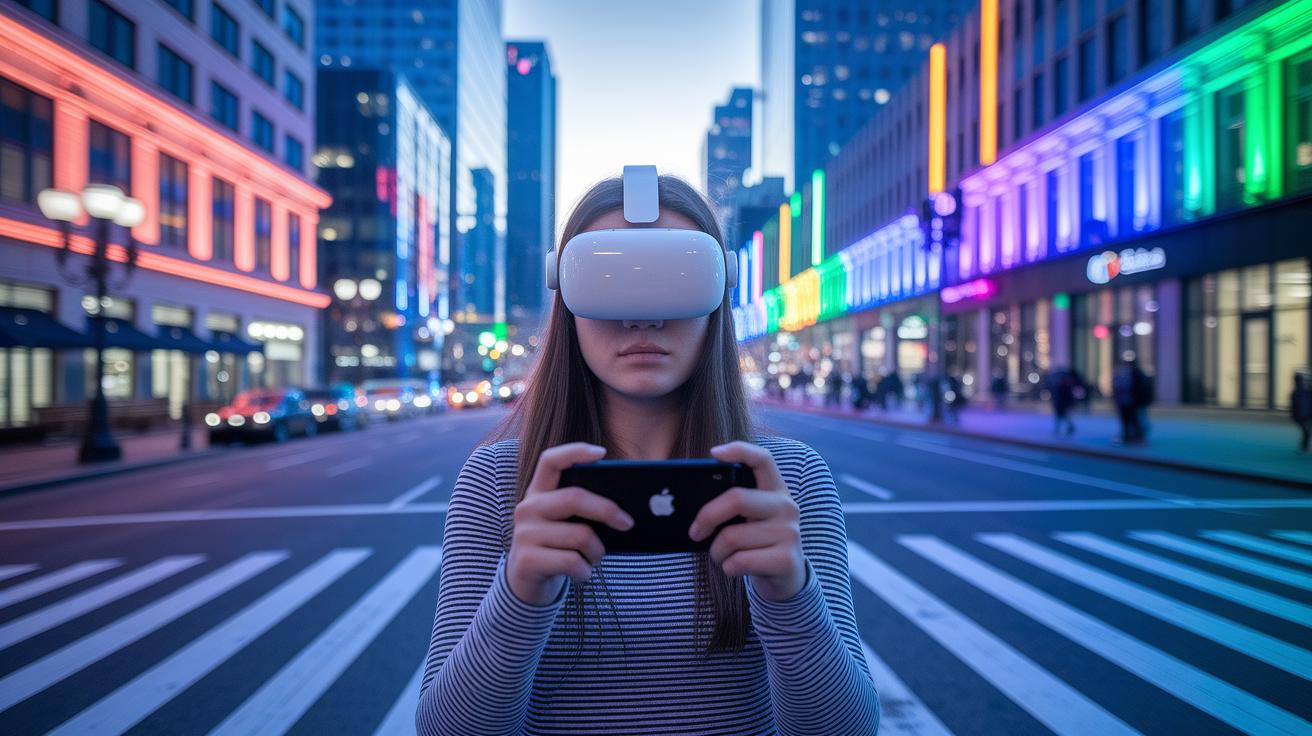
Mobile augmented reality is quickly changing the way we interact with our surroundings by blending digital visuals into the real world. Take Pokémon Go for example, it brings virtual creatures right into our neighborhoods, making city streets and parks feel like interactive playgrounds. Smartphones today come loaded with smart AR maps that help you find your way through busy malls, crowded airports, or even intricate museum layouts.
In real estate and interior design, mobile AR turns ideas into reality by letting you visualize room arrangements and try out virtual staging before you commit to any changes. Businesses are also jumping on the AR bandwagon. Car makers now let you see different paint options, rims, or accessories on your vehicle live, while in healthcare, AR is used in training setups to simulate medical procedures for better hands-on practice. Marketing is getting a fresh twist too with eye-catching AR packaging and immersive virtual expo booths that bring vibrant event experiences right to your screen. Plus, when it comes to education, interactive AR on tablets breaks down complex topics into fun, hands-on lessons that work great in class or from home.
Mobile AR application development technology platforms and tools

Choosing the right platform for mobile AR development boils down to a few key points, support for popular operating systems, fast performance, and familiar programming languages. Developers value tools that work on both iOS and Android, provide smooth, real-time graphics, and even let you easily blend in sensor data. This way, you’re set to create AR experiences that feel natural and engaging, no matter the complexity.
ARKit
ARKit is Apple’s native framework for iOS. It’s built using Swift and SwiftUI, which means it’s designed to offer super accurate mapping by using LiDAR sensors. Basically, if you need detailed data about your surroundings and quick image processing, ARKit is the way to go for an amazingly immersive AR experience.
ARCore
On the Android side, there’s ARCore by Google. Instead of LiDAR, it uses tools like plane detection and light estimation to overlay virtual objects onto real scenes. Launched in March 2018, ARCore lets you build AR apps that work across different devices. While it might not match LiDAR’s pinpoint precision for every detail, it’s excellent for creating interactive overlays that pick up on the environment.
Unity & AR Foundation
Unity, around since 2005, teamed up with AR Foundation to create a strong platform for both 2D and 3D AR. It’s favored by developers for delivering dynamic visual content on multiple platforms. Sure, you might run into a few challenges like odd Android camera positioning, but overall, it remains a top choice when you’re looking to develop detailed and flexible AR experiences.
Xamarin Forms
Then there’s Xamarin Forms, a neat open-source UI toolkit that supports AR development on both iOS and Android using C# and XAML. With the ability to reuse up to 95% of your code, it really helps streamline the process, especially if you’re aiming for efficiency in delivering mobile AR apps.
| Platform | Primary Language | Platform Support | Key Feature |
|---|---|---|---|
| ARKit | Swift/SwiftUI | iOS | LiDAR integration & high-precision mapping |
| ARCore | Java/Kotlin | Android | Plane detection & light estimation |
| Unity & AR Foundation | C# | Cross-platform | 2D/3D rendering & flexible development |
| Xamarin Forms | C#/XAML | iOS & Android | High code reuse & simplified UI design |
Future trends and challenges in mobile augmented reality technology
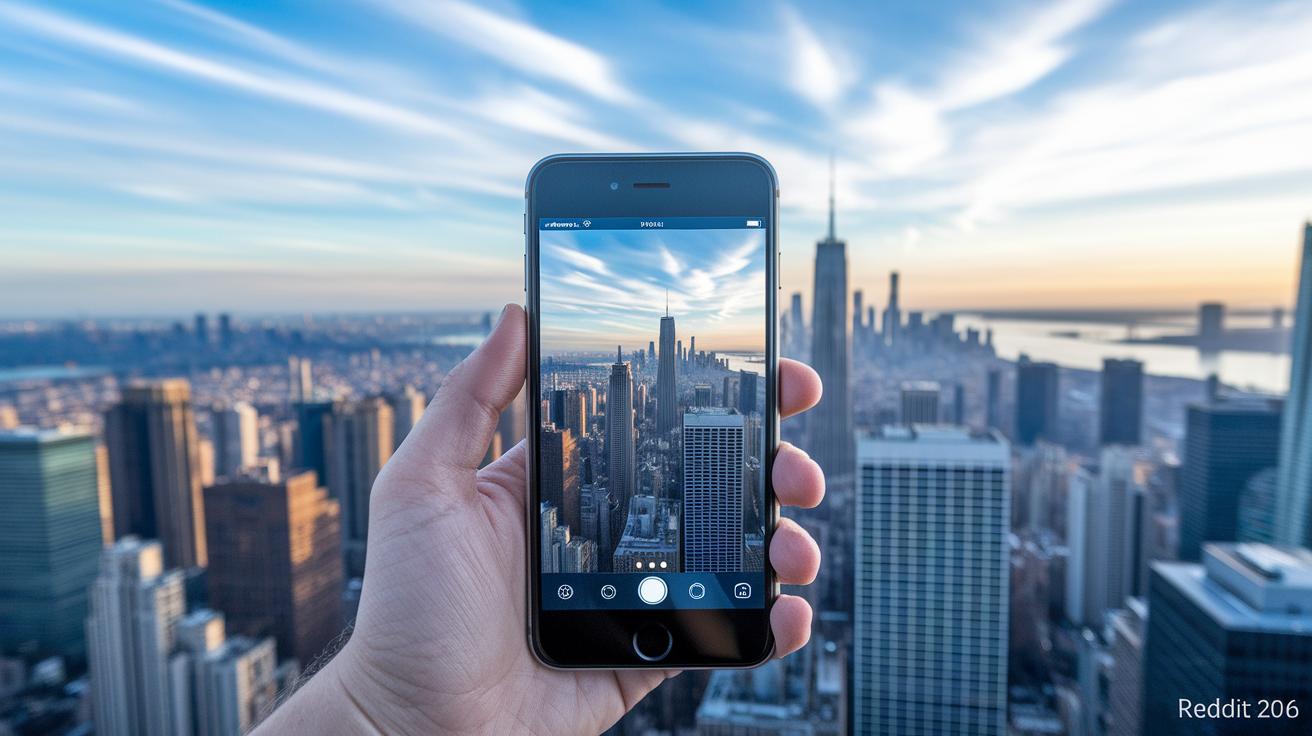
The mobile AR scene is exploding before our eyes, with forecasts that hit an impressive $29.5 billion by 2025. This surge comes from us all craving more immersive experiences and from hardware getting smarter every day. Think about it: better sensors, on-board graphics power, and the ridiculously low delay of 5G are all teaming up to make our AR adventures smoother and snappier.
Now, imagine the latest trends shaking up our everyday tech. Innovations like WebXR AR and those fun AR magic mirrors are just the beginning. Cloud-powered immersive worlds and wearable AR layers are changing how we see and interact with digital content. Plus, edge computing is stepping in to speed up real-time processing. It’s like watching a whole new playground of tech ideas come to life, making AR more interactive and exciting than ever.
But, it’s not all smooth sailing. Designers and developers are still wrestling with tricky issues like crafting friendly user experiences and guarding our data privacy. Then there’s the challenge of keeping hardware costs in check, dealing with different platforms, and managing content over time. Overcoming these bumps in the road will be the key to unlocking the true power of mobile augmented reality.
Final Words
In the action, mobile augmented reality technology sparked our discussion on how smartphones merge digital content with real-time visuals. We explored its functions, sensor integration, and unique AR experiences. From gaming thrills to educational benefits, every section showcased the blend of hardware and software that powers AR. We also examined development tools and emerging trends fueling innovation in this space. With creative solutions on the rise and exciting industry applications at hand, the future for mobile augmented reality technology looks incredibly promising.