

Ever wondered if your phone could work like a mini router? A mobile hotspot turns your cell connection into portable Wi-Fi so you can work or play anywhere. It’s like having a lifeline in your pocket when you’re away from home.
In this post, I’ll walk you through how mobile hotspots work. They’re not just a cool add-on, they’re a key tool for staying connected on the move. Stick with me for some clear, simple insights that might just change how you see portable internet.
Understanding the Mobile Hotspot: What It Is and Why It Matters

A mobile hotspot is your on-the-go internet gateway. It turns the cellular data from your 4G or 5G connection into a Wi-Fi signal, so you can hook up phones, tablets, or laptops wherever you are. Ever been impressed that your phone can work like a personal router? It truly is a game changer.
Most smartphones come with this neat feature built right in. When you're away from home or the office, setting up your hotspot is quick and simple. But if you need extra speed, longer battery life, or support for several devices at once, you might prefer a dedicated mobile hotspot device. Picture a small team out in the field relying on a single robust device to keep everyone connected reliably.
Just remember, to use a mobile hotspot you need an active data plan and solid cellular coverage. Without these, your hotspot won’t perform its magic. In other words, when you're in a spot where cell service is weak, even the best hotspot can't work miracles. So whether it's part of your smartphone or a standalone gadget, mobile hotspots offer a flexible way to transform cellular data into a portable, dependable Wi-Fi network.
Types of Mobile Hotspot Devices: Smartphone, Dedicated, and Dongle Options

Mobile hotspot devices come in three flavors that blend ease-of-use with solid performance. First up, your smartphone hotspot, built right into your Android or iOS gadget, lets you share your data connection in a snap. It’s super convenient, though it usually supports only a few devices and can drain your battery faster than you expect. I once spent an entire workday using my phone as a hotspot and was surprised by how quickly the battery dropped. It’s a reminder that sometimes convenience has its trade-offs.
Next, standalone mobile hotspot devices take things up a notch. They’re packed with better antennas, longer-lasting battery life, and even Ethernet ports for those times you need a wired connection. This option works great when you’ve got several devices to connect or need a reliable network for work tasks. I switched to one once and was really impressed by its steady speed and enhanced battery performance, it made my work feel a lot smoother.
Finally, there’s the USB dongle hotspot. This handy little device plugs directly into your laptop’s USB port, using a SIM card to connect to the cellular network without any extra router gear. It’s a neat solution if you just need that extra bit of connectivity on the go.
- Smartphone Personal Hotspots
- Standalone Mobile Hotspot Devices
- USB Dongle Hotspots
How a Mobile Hotspot Works: Cellular Data to Wi-Fi Conversion
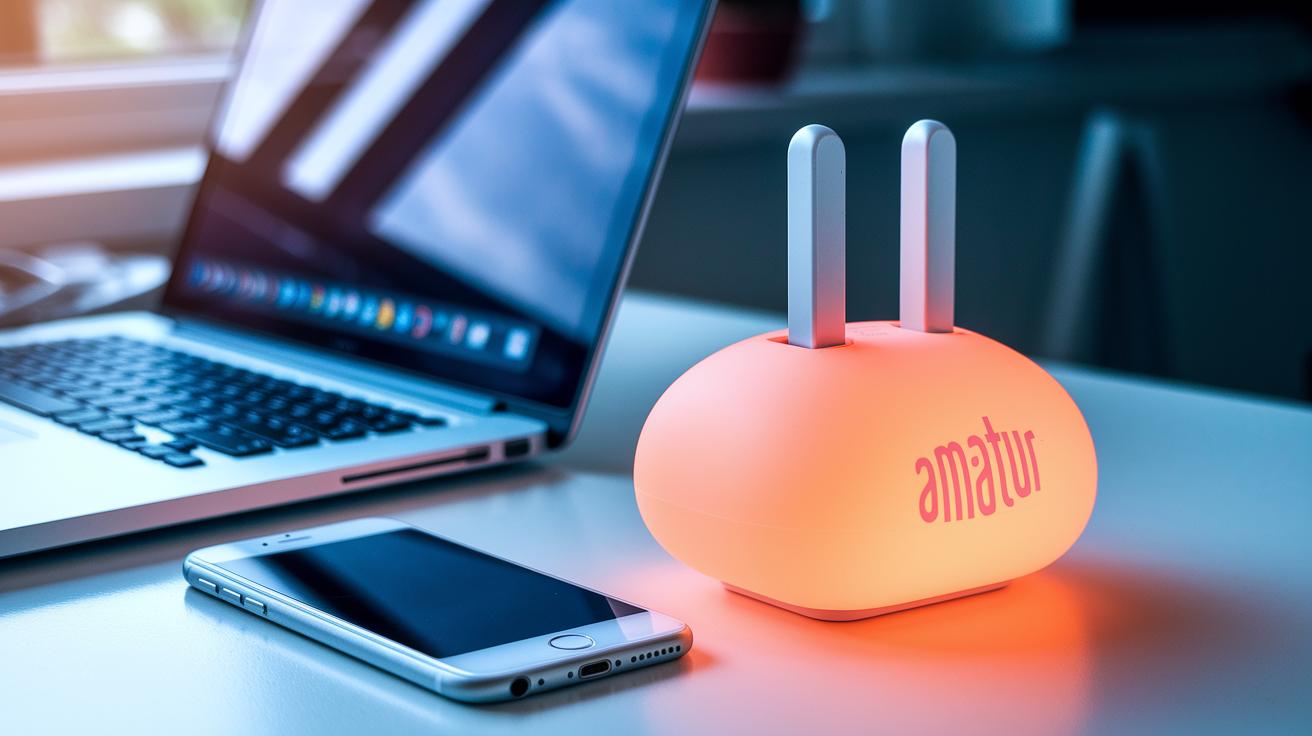
Imagine your mobile hotspot as a mini router that takes in data from your 4G or 5G connection and magically transforms it into a Wi-Fi signal for your devices. It’s like having a personal ISP wherever you go, you just need an active data plan and good cell service, and your phone turns into a portable internet hub.
Here’s how it works in plain language: your phone or hotspot device grabs the data from the cellular network, then beams out a Wi-Fi signal that your laptop, tablet, or other smart gadget can latch onto. Picture yourself in a park, needing to send an important email; your phone’s 5G signal becomes the lifeline, providing fast and reliable internet to keep you connected.
A few things can affect how well your hotspot performs:
| Factor | Effect |
|---|---|
| Number of devices | More devices can slow down the speed |
| Network congestion | Heavy traffic can lead to slower signals |
| Distance from cell tower | Farther distance might mean weaker connection |
When you’re on a 4G LTE hotspot, you can usually expect download speeds to be around 30–40 Mbps, with occasional bursts up to 100 Mbps if everything lines up perfectly. And if you’re lucky enough to have a 5G hotspot, you might even hit speeds close to 500 Mbps. Plus, many of these modern devices pack in solid security too, like 256-bit AES encryption, which makes your connection much safer than using a public Wi-Fi network.
Isn’t it cool how a simple device can give you a whole network on the go?
Benefits and Limitations of a Mobile Hotspot

Mobile hotspots are your on-the-go internet solution, offering a mini network that lets you connect multiple devices wherever you are. Picture yourself in a remote spot with no fixed broadband, yet you can still check your emails, join a video call, or catch that podcast you love. One major perk is that these devices serve as a reliable backup for home or office internet. Instead of shelling out for extra data cards or rentals, you can use your smartphone or a dedicated hotspot, which is often a more cost-effective option for occasional use.
Another great benefit is the extra layer of security they provide compared to public Wi-Fi. Many mobile hotspots use strong encryption, like 256-bit AES encryption, to keep your data safe. So when you're traveling and need to access sensitive information, you can relax knowing your connection is private. Plus, most hotspots allow multiple devices to connect at once, making them ideal for remote work or sharing during group travels.
But there are some drawbacks too. For instance, battery life can drop dramatically. A device that usually lasts around 36 hours on its own might only give you about 12.5 hours if you’re using it to share your connection. Then there’s the issue of data limits, hotspot plans can range from 3 GB to 200 GB before they slow down considerably. This throttling means that heavy users might find the speeds lacking compared to a full home broadband service.
Performance can also be slower than what you’d expect from a home internet plan, and there might be additional costs if you need a specialized device. In short, mobile hotspots are a handy tool for on-the-go connectivity, but it’s crucial to balance their benefits against these limitations to decide if they're right for you.
Configuring a Mobile Hotspot on Your Smartphone
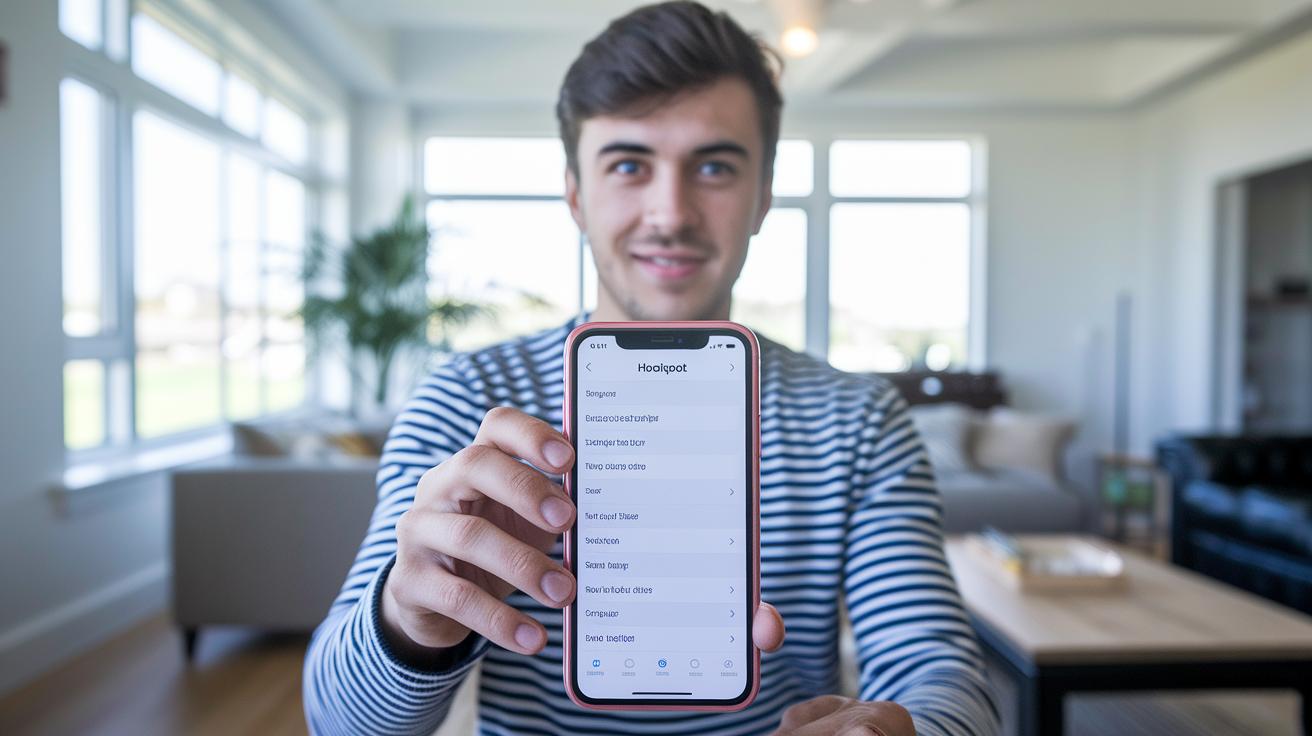
Getting your mobile hotspot up and running is really simple and only takes a minute or two. If you have an iPhone, just open Settings, tap on Personal Hotspot, switch it on, and then set up a secure network name and password. For Android users, go to Settings, choose Network & Internet, then tap Hotspot & Tethering, and hit Mobile Hotspot to both activate it and add your network details.
Here’s a quick rundown of what to do:
- Open your phone's Settings.
- On an iPhone, go to Personal Hotspot; for Android, head to Network & Internet, then to Hotspot & Tethering.
- Flip the hotspot switch to on.
- Set a secure network name and password.
- Check that your mobile plan supports hotspot use.
- Keep an eye on your battery life while you’re connected.
It’s almost magical, just like flipping a switch, your phone turns into your very own Wi-Fi hub in moments. I remember the first time I did it; one simple tap and my iPhone connected all my devices in less than two minutes. With these easy steps, you can share your data wherever you are. Enjoy your seamless connection and have fun exploring the web on the go!
Choosing and Managing Data Plans for Mobile Hotspot Use
When you depend on a mobile hotspot for your internet, choosing the right data plan is a must. Data amounts can be as low as 3 GB or as high as 200 GB at full speed. Once you pass your limit, your speed might drop to about 100 Kbps, which can make streaming videos or downloading big files really frustrating. It pays to shop around and understand any extra fees if you go over your data cap.
Think of your data plan like gas for your car, it keeps everything running. If you're watching your monthly budget, you might opt for a lower data cap. Fun fact: lots of people don’t realize that business plans, like AT&T Business Unlimited Standard for $70 a month, give you a modest 5 GB that might work just fine if you don’t use your hotspot a lot. Sometimes spending a little extra to avoid slowdowns can be worth it since high-speed data on hotspots is rarely endless.
| Plan | Provider | Data Allowance | Monthly Cost | Throttled Speed |
|---|---|---|---|---|
| Business Unlimited Standard | AT&T | 5GB | $70 | 100 Kbps |
| Premium | AT&T | 200GB | $90 | 100 Kbps |
| Business Unlimited Select | T-Mobile | 5GB | $60 | 100 Kbps |
Keep a close eye on your data use to dodge any unwanted slowdowns. Always review your plan details so you stay within your high-speed limit and know exactly how much data you’re using.
Optimizing Mobile Hotspot Performance for Speed and Coverage
First off, think about where you place your hotspot. Find a spot in the middle of your room, and lift it away from thick walls and big obstacles. This simple move cuts down on interference and helps keep a strong, even signal all around.
Next, consider a hotspot with Wi-Fi 6 (a newer standard for better data speed) or one that supports 5G networks. These tech standards boost speed and can handle several devices at once without breaking a sweat. And if you're near the edge of your cell tower's range, an external omnidirectional antenna can really make a difference by spreading the signal wider.
Also, keep in mind that fewer connected devices mean less congestion on your network. It’s a good idea to update your hotspot’s firmware regularly so you’re always benefiting from the latest improvements and security fixes. Finally, pay attention to your surroundings, especially the distance from the cell tower and any nearby structures that might be blocking your signal.
By mixing these practical tips, you’ll nix the lag and boost your mobile connectivity. Keep an eye on performance and tweak your settings as needed to keep things running fast and secure.
Mobile Hotspot Solutions for Travel and Remote Work

When you’re on the move, a mobile hotspot made for travel can keep you online without the fuss. These devices often let you switch to a local SIM card or use international roaming so you stay connected whether you're hustling through a busy airport or relaxing in a quiet countryside inn. Imagine landing in a new city, popping in a local SIM, and instantly being online, no sky-high roaming fees to worry about.
These travel hotspots come loaded with useful features. They might include a setting that boosts your signal when you're at home or support several SIM cards for extra choices. Built tough for the outdoors, they can handle any travel condition you throw at them. Some even boast stronger security and longer battery life to keep you connected during those long trips overseas.
Sometimes your smartphone can step in as a handy backup. With its built-in hotspot feature, it gives you a portable connection wherever cell service is available. Just be sure to check your data plan and mind any roaming charges since local network settings can be different from what you're used to.
- Travel-friendly router features
- International signal compatibility
- Portable connection for remote work
These choices let travelers and remote workers pick the hotspot that truly fits their lifestyle.
Final Words
In the action, we broke down what is a mobile hotspot by outlining its basic function, various device options, and key pros and cons. We looked at how smartphones, standalone devices, and dongle options convert cellular data into Wi-Fi, along with clear setup and optimization tips.
This article brings practical insights into mobile data sharing. It gives you a better grasp on staying connected on the go and boosts confidence in making smart tech decisions. Enjoy a smoother, more informed mobile experience.
FAQ
How does hotspot work on Android?
The Android hotspot converts your cellular data into a Wi‑Fi network, enabling nearby devices to connect and access the internet wherever you have coverage.
What is a mobile hotspot used for and how does it work?
The mobile hotspot acts as a portable router by turning cellular signals into Wi‑Fi, which lets you connect devices on the go, making it perfect for travel, remote work, or backup connections.
What is the difference between a mobile hotspot and a Wi‑Fi hotspot?
A mobile hotspot uses cellular data to create a portable Wi‑Fi network, while a Wi‑Fi hotspot typically refers to a fixed access point found in public spaces or homes using broadband connections.
Do I need a hotspot if I have unlimited data?
Even with unlimited data, a hotspot remains useful for sharing your cellular connection with multiple devices when traditional Wi‑Fi isn’t available, although network speeds and policies still apply.
What is a mobile hotspot device?
A mobile hotspot device is a stand‑alone gadget that converts cellular data into a Wi‑Fi signal, often offering better speeds, battery life, and support for multiple connections than built‑in smartphone features.
How do I connect a mobile hotspot to another mobile?
To connect one mobile to another’s hotspot, activate the hotspot feature on the primary device, then select that network from the secondary device’s Wi‑Fi settings and enter the provided password.
What is a hotspot volcano?
A hotspot volcano forms above a steady upwelling of molten rock in the mantle, triggering volcanic activity that produces a chain of eruptions as tectonic plates move over the source.
Do I need internet if I have a mobile hotspot?
A mobile hotspot relies on an active cellular data connection to deliver internet access, so without a data plan or proper coverage, the hotspot cannot provide Wi‑Fi connectivity.
Can a mobile hotspot replace home internet?
A mobile hotspot can serve as a backup or temporary home internet solution, but its performance might vary due to data limits and signal quality, making fixed broadband more reliable for daily use.