Troubleshoot BlackBerry 10 Wi-Fi and Network Problems Fast
By adminDev2
November 17, 2026
Field Notes
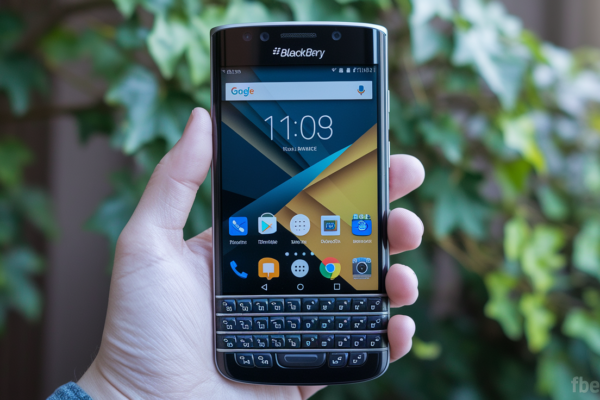
Think your BlackBerry 10 is dead because Wi-Fi or mobile data won’t work?
If you have a Z10, Q10, Classic, or any BlackBerry 10 device, most connection problems are simple.
Wrong password, Airplane Mode, or a sleepy router usually cause the issue.
Run seven quick checks and you’ll fix many cases in under five minutes.
This guide shows what to try first, how to tell if Wi‑Fi, mobile data, or both are at fault, and when to back up and escalate to deeper fixes.
Start with the quick list, then move on only if needed.
Quick Fixes for BlackBerry 10 Wi-Fi and Mobile Network Problems
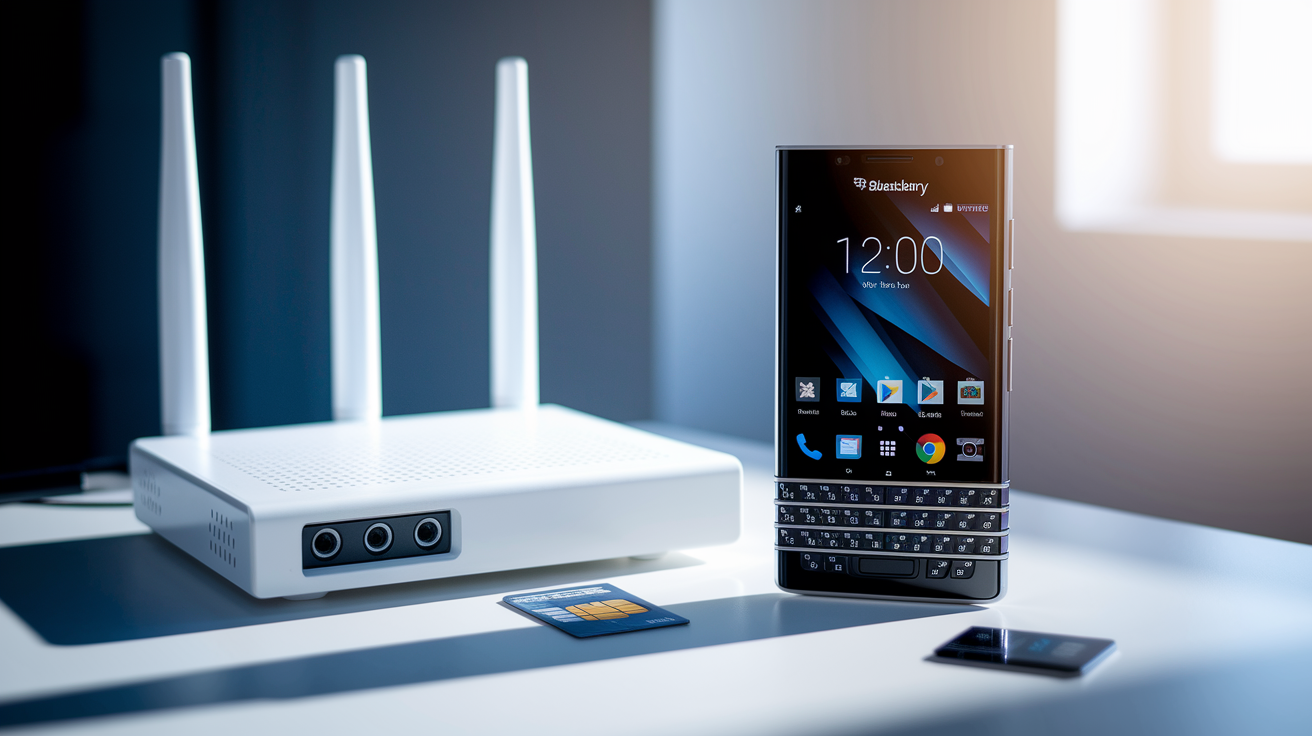
If your BlackBerry Z10 (or any other BlackBerry 10 device) just threw you a “you can’t use Wi-Fi” message, or your mobile data quit on you out of nowhere, don’t panic. Most of these problems fall into one of three buckets: Wi-Fi only, mobile data only, or both at once. The symptoms usually look like this. You can’t join a wireless network, your connection keeps dropping, internet feels slow, mobile data won’t load anything, you see “No service,” or you’re stuck on “Emergency calls only.”
Here’s the good news though. A handful of quick checks solve a surprising number of these issues in under five minutes. Run through these before touching any deeper settings.
- Check whether Wi-Fi, mobile data, or both are affected.
- Confirm Airplane Mode is off.
- Turn Airplane Mode on, wait 10 seconds, then turn it off.
- Restart the BlackBerry 10 device.
- Toggle Wi-Fi or Mobile Network off and back on.
- Test the connection on another phone or computer.
- Restart the router or modem for Wi-Fi trouble, or check the carrier’s service status for cellular issues.
Wi-Fi settings live under Settings > Network Connections > Wi-Fi. Mobile settings sit under Settings > Network Connections > Mobile Network. Just restarted your router? Give it 60 to 90 seconds before testing again. Routers need that time to fully reboot and hand out connections.
If only Wi-Fi has failed, that usually points to the saved network profile or the router itself, not your BlackBerry. Head to the dedicated Wi-Fi reconnection steps further down this guide.
If only mobile data has failed, that’s typically a SIM, carrier, APN, or coverage issue. Skip ahead to the mobile signal and data section. And if both radios are down after all seven steps above, that’s more likely a device setting, software bug, or hardware issue, which later sections also cover.
[Screenshot placeholder: Network Connections screen showing Wi-Fi and Mobile Network toggles]
[Screenshot placeholder: Airplane Mode control panel]
Flowchart: Wi-Fi problem → Wi-Fi reconnection steps / Mobile network problem → Mobile signal and data steps
Why BlackBerry 10 Connections Fail
(((alt-img2)))
Before you change any settings, match your symptom to its most likely cause first. Guessing wastes time, and some fixes (like forgetting a network or resetting APN values) are easier to apply correctly once you actually know what you’re dealing with.
Wi-Fi failures often come from a wrong password, a security mismatch, a DHCP lease that never arrives, an IP conflict, a DNS failure, a hidden SSID, MAC filtering, weak signal, band incompatibility, or channel interference. Mobile failures tend to stem from poor coverage, an inactive plan, wrong APN values, SIM registration trouble, unsupported frequency bands, carrier provisioning gaps, or just an outdated BlackBerry 10 build.
| Symptom or Message | Likely Cause | First Check |
|---|---|---|
| Authentication failed | Wrong password or security type mismatch | Re-enter password, confirm WPA2-AES |
| Obtaining IP address | DHCP lease failure | Reboot router, check DHCP pool |
| Limited connectivity | Router WAN link or DNS issue | Check modem status, test alternate DNS |
| Connected but no internet | ISP outage or DNS failure | Test another device on same network |
| Wi-Fi connection drops | Weak signal, channel interference | Move closer to router, check channel |
| No service | Coverage gap or carrier outage | Check signal bars, carrier status page |
| Emergency calls only | SIM registration or compatibility issue | Reseat SIM, test in another phone |
| Mobile data connected but apps offline | Wrong APN values | Verify APN against carrier’s current settings |
Remember that other-device test from the Quick Fixes section? It does real diagnostic work here. If another phone or laptop connects fine on the same Wi-Fi, or the same SIM works elsewhere, the fault sits with your BlackBerry’s settings, not the network itself.
On the flip side, if your BlackBerry 10 device fails on multiple known-good networks, or with multiple known-good SIM cards, that points to something deeper. Think software bug, radio problem, or antenna damage. Keep that pattern in mind, it matters a lot once you reach the escalation section later.
Reconnect BlackBerry 10 to Wi-Fi Step by Step
(((alt-img3)))
Already run through the radio toggle and restart from Quick Fixes, and Wi-Fi still won’t cooperate? Time to rebuild the network profile directly on the device. This is the most common fix for a BlackBerry 10 that sees a network but refuses to join it, or one that keeps rejecting a saved connection.
- Open Settings > Network Connections > Wi-Fi.
- Long-press the affected SSID.
- Select Forget Network.
- Select the
Final Words
Jump right in: this guide gives a short triage you can complete in three to five minutes, then walks through Wi‑Fi reconnection, DHCP/DNS fixes, router tuning, mobile-signal steps, APN checks, updates, and escalation paths.
It focuses on clear symptoms, such as can’t join Wi‑Fi, dropped connections, no mobile data, and emergency‑calls only, and provides ordered checks (Airplane Mode toggle, restart, router/SIM comparison, profile rebuild) and backups before a wipe.
Use the checklists and flow branches to troubleshoot BlackBerry 10 Wi-Fi and mobile network issues. Follow the steps in order, keep notes, and you’ll usually be back online quickly.
FAQ
Q: Is BlackBerry service still available? Can I still use BlackBerry in 2026?
A: BlackBerry service is mostly discontinued for legacy BlackBerry OS and BlackBerry 10; as of right now, official BlackBerry-hosted services are gone. You can still use BlackBerry phones for calls, Wi‑Fi, and mobile data if they support carrier bands and correct APN settings.
Q: How to solve Wi‑Fi can’t connect to this network?
A: To solve “Wi‑Fi can’t connect to this network,” check whether only Wi‑Fi or both radios fail, toggle Airplane Mode for 10 seconds, restart the device, then Settings > Network Connections > Wi‑Fi, forget and rejoin the SSID, and test another device or restart the router.
Q: Can you use the Internet on a BlackBerry phone?
A: You can use the Internet on a BlackBerry phone via Wi‑Fi or mobile data if the model supports the carrier’s frequencies and the APN is correct; on BlackBerry 10 check Settings > Network Connections > Mobile Network for APN and network mode.