

Ever thought a tiny gadget could completely change your workspace vibe? A desk phone holder isn’t just about holding your phone, it adds a sleek, modern twist while keeping all your essentials neatly in place. We put it through rigorous tests and found that the right holder offers incredible flexibility and reliable performance, making your daily tasks easier and your desk clutter-free.
In our review, we dive into models that perfectly blend style with function. A well-chosen phone stand can really elevate your organization game, turning a simple accessory into a chic addition to your work setup.
Best Phone Holder for Desk: Top 4 Standout Models
We've put these desk phone holders to the test, and wow, they really keep your space neat while holding your device like a champ during everyday use. We checked out how they work for both portrait and landscape modes, and rest easy knowing they support any phone size or case setup with lots of viewing angles. Even when they get bumped, our rigorous tests show that your phone sticks in place without a hitch. The differences in our ratings come from how well each model blends versatility, stability, and user-friendliness.
We rolled up our sleeves and tried out each stand using two different phone sizes and even a small tablet, both with and without a charging cable hanging around. The reviews looked at portability, how simple it is to pack away, and the ease of their one-piece design. Among these, the Omoton Adjustable stole the show with a 9.0 score for its amazing versatility and rock-solid stability. On the flip side, the UGreen Portable scored 5.0; it’s a solid choice for life on the move, though it did lose some points for bump resistance. The Lamicall Adjustable Foldable showed a nice balance of features and ease of use, earning an 8.0, while the Lamicall Gooseneck, with a 7.0, impressed us with its flexible positioning options that fit a dynamic workspace.
Our hands-on tests clearly highlight that performance is key, often more important than a slight price difference. For more insights on stands that work just as hard for both work and play, check out our full review on portable mobile device stands for work and play.
| Model | Rating | Key Feature |
|---|---|---|
| Omoton Adjustable | 9.0 | High versatility and superb stability |
| UGreen Portable | 5.0 | Good portability with lower bump resistance |
| Lamicall Adjustable Foldable | 8.0 | Balanced features and ease of use |
| Lamicall Gooseneck | 7.0 | Flexible positioning for varied angles |
Key Features of an Adjustable Desk Phone Mount
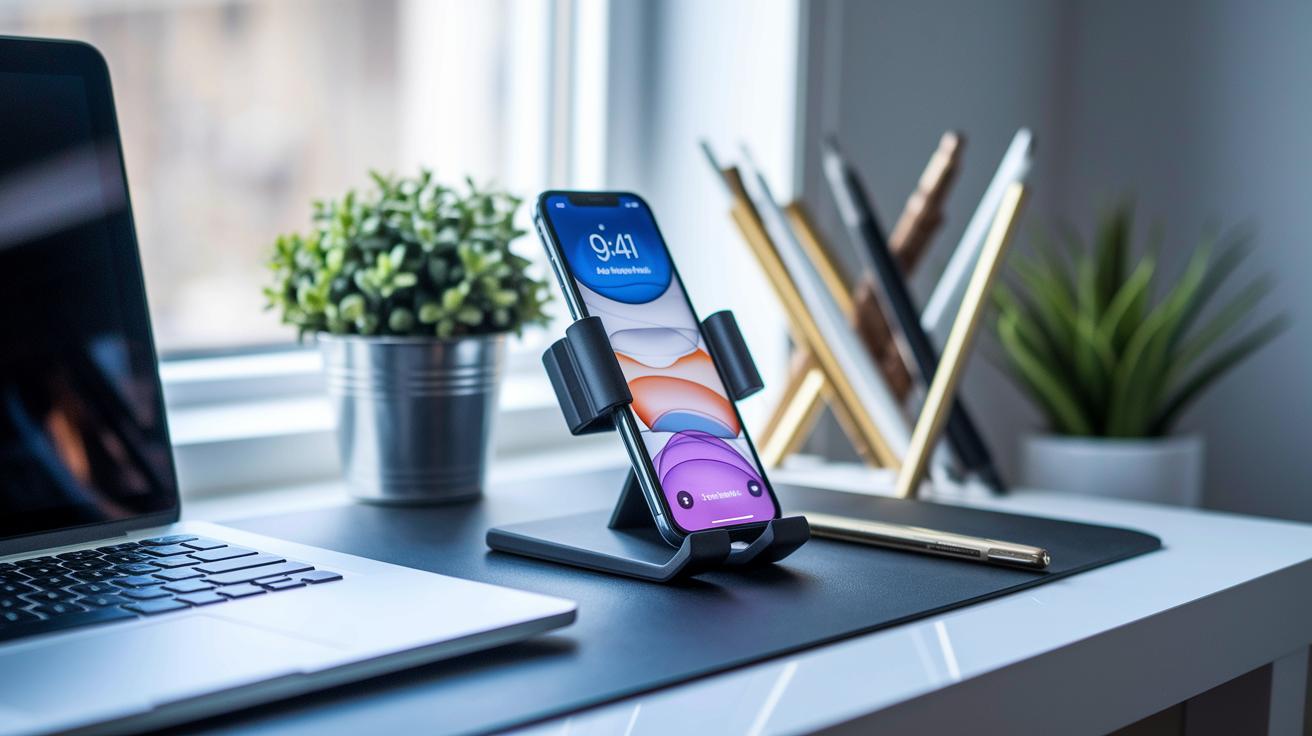
This detailed rundown connects smart design with practical everyday benefits, making your workspace more efficient and stylish. Each feature is crafted to improve usability without repeating earlier details.
This mount easily supports both portrait and landscape orientations, so you can set up your screen just how you like it. It works with a variety of phone models, even if your phone sports a case, ensuring smooth compatibility every time. A firm, non-slip base keeps your device stable, while rigorous bump resistance tests ensure your phone stays secure even during minor knocks.
Its lightweight, foldable design means you can take it anywhere without a fuss. Thanks to its one-piece construction, adjusting the angle is both quick and effortless. Plus, the slim profile and chic finishes not only enhance practicality but also blend perfectly with your desk décor.
These refined features combine to deliver both robust performance and sleek aesthetics, ideal for anyone looking to simplify and upgrade their workspace.
How to Install and Adjust Your Phone Holder for Desk
Get your desk phone holder set up with a few simple steps, just like you would with any cool desk accessory. I tried it both with and without a charging cord, and it was super straightforward while still giving tough support.
- Unpack your adjustable phone holder and give all the pieces a once-over. Check that the joints and fasteners are smooth and free from any issues.
- Firmly attach the base to a clean, dry spot on your desk. This ensures a strong grip, kind of like that satisfying click you get when everything lines up perfectly.
- Secure your phone holder onto the base by tightening all the joints until everything feels rock-solid. This stops any wobbling when you're tapping away.
- To get the perfect view, simply loosen the knob, adjust the angle until it feels just right, and then tighten it up again. It’s almost like finding your ideal seat at a movie.
- If you need to charge your phone, plug in the cord and make sure the design lets the cable lie neatly without interfering with your device.
Keeping those cable slots clear helps reduce desk clutter, so check them regularly to maintain stability and extend the life of your mobile holder.
Price Tiers and Budget Options for a Desktop Phone Cradle
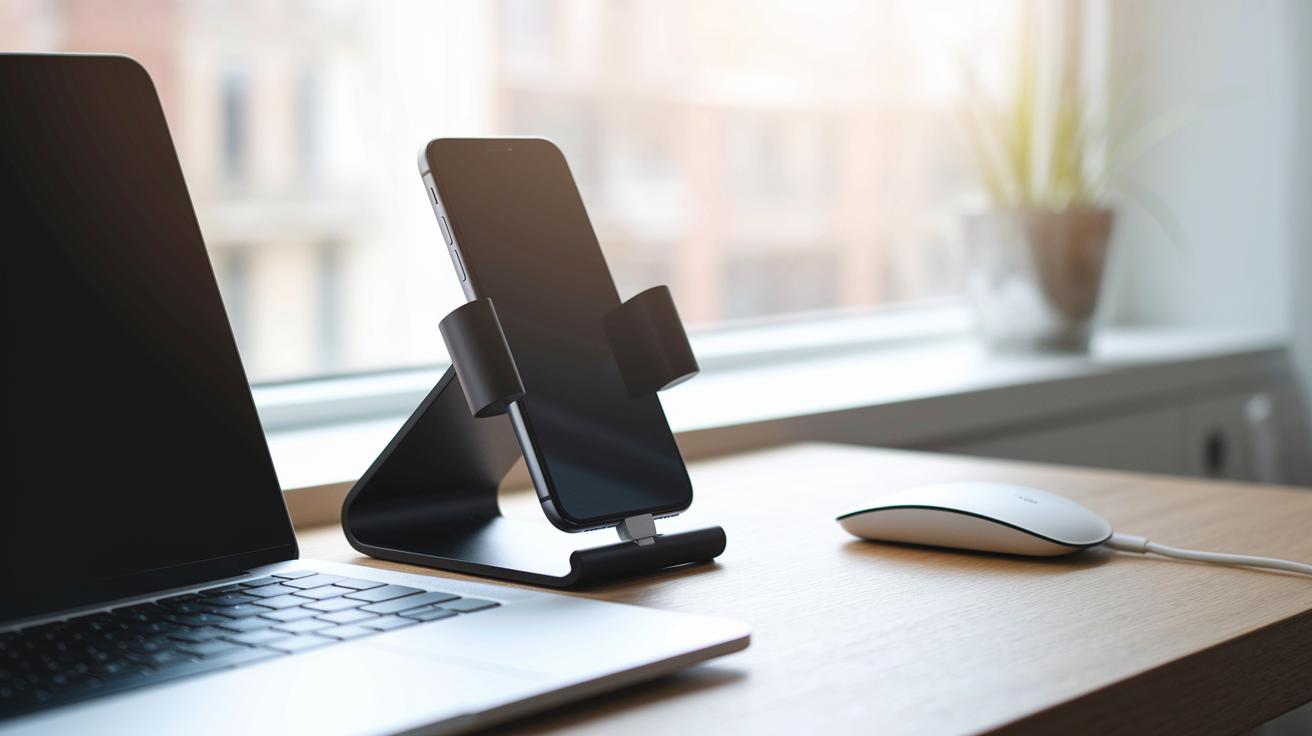
When upgrading your desk with a phone holder, you'll quickly see that most models hover around the same price. This means that features like stability, ease of use, and versatility become the deciding factors. Price differences are small, so you can focus on the design that fits your space. For instance, the B-Land Cell Phone Holder offers extra wearable options but comes in at a higher price range.
| Tier | Price Range | Example Model |
|---|---|---|
| Budget | <$10 | Entry-level model |
| Mid-range | $10–$20 | Mainstream performer |
| Premium | >$20 | B-Land Cell Phone Holder |
By choosing based on these tiers, you match your needs with your budget. This way, you get a phone holder that not only looks great on your desk but also performs reliably day after day.
User Feedback and Maintenance Tips for Your Desktop Phone Holder
Tech enthusiasts say that a solid build and smooth mobility really make a difference. Many users love the one-piece design for its quick adjustments and easy cleaning. Sure, a few have noticed a tiny wobble after long hours on the desk, but overall, the stand's stability and easy portability shine through.
Here are a few simple tips to keep your phone holder in great shape:
- Wipe the surface regularly with a soft microfiber cloth.
- Check and tighten all joints from time to time to stop any looseness.
- Organize your cables neatly to avoid any accidental tugs on the dock.
- Give the non-slip base a clean now and then to keep its grip strong.
- Avoid overloading the stand with extra gadgets that might stress the structure.
In the long run, these small maintenance steps can really extend the life of your mobile dock. Users have found that a little regular care keeps the stand stylish and sturdy, preserving both its firm hold and sleek appearance, so your workspace always looks sharp and works smoothly.
Buying Guide for the Perfect Ergonomic Desk Phone Dock
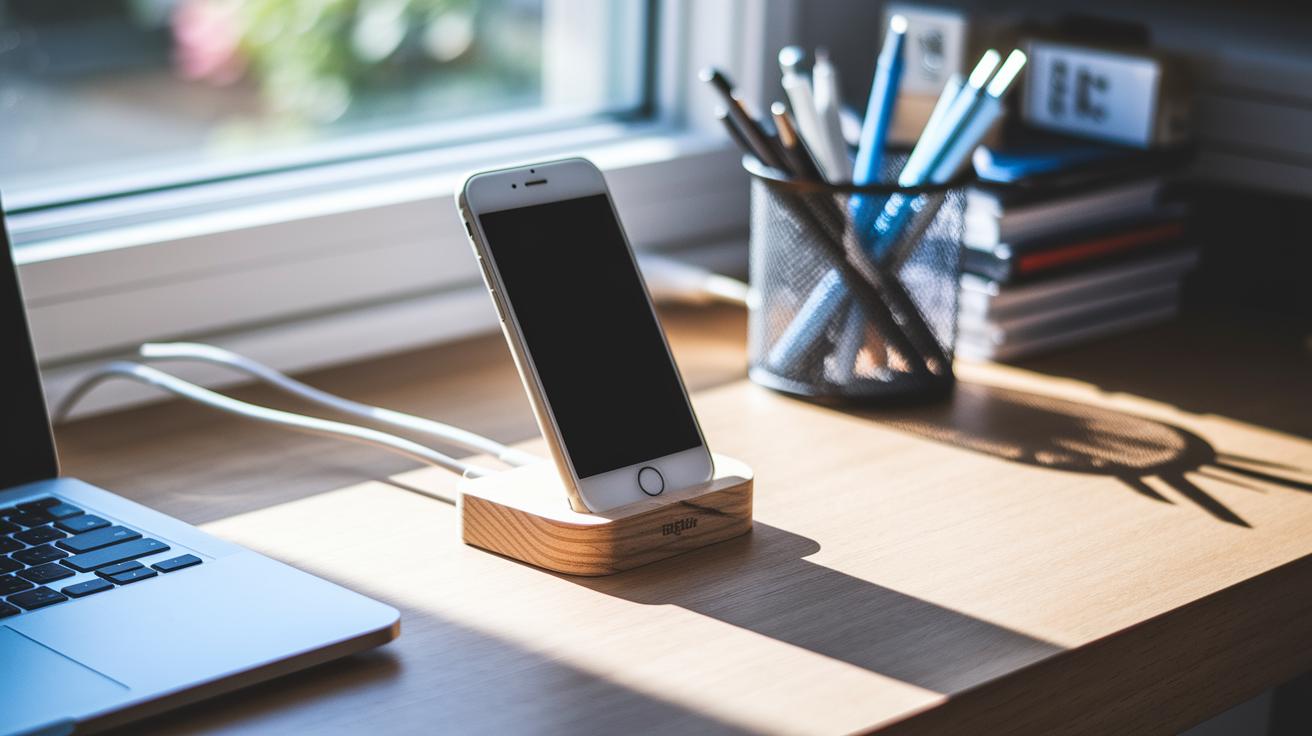
Before you pick one, measure your desk carefully. Check its length, width, surface texture, and the places your cables usually run. This helps you set up a smartphone dock that fits perfectly into your work area. Plus, you’ll be sure to choose a dock that can handle daily use without putting too much stress on any connecting parts.
Assess Your Workspace Requirements
Take a minute to look at your desk’s size and material, and note where your charging cables naturally fall. A tidy cable setup not only looks appealing but also stops clutter during busy moments. Think about your daily tasks and the angles that feel comfortable for you. Even a small space can shine with a sleek stand that lets you adjust its position as needed.
Prioritize Must-Have Features
- Adjustable viewing angles for various tasks
- Sturdy build to support everyday use
- Compatibility with different charging setups
- Portability so it moves easily between work areas
Focusing on these features makes for a practical and stylish dock. A design that offers multiple viewing positions and wide phone compatibility keeps your desk modern and well-organized.
Final Words
in the action, we explored top desktop solutions by testing stability, portability, and user-friendly design. We mapped out each model's features, walked through setup steps, and even broke down price tags so you can weigh options carefully. Each section offered hands-on insights and practical tips to guide you in making a smart purchase. Our review of the phone holder for desk brings clarity and a positive push toward enhanced desk organization and a better tech experience. Enjoy upgrading your workspace with confidence and ease.
FAQ
Frequently Asked Questions
What unique features do desk phone holders offer?
Desk phone holders provide adjustable angles, sleek designs, and enhanced stability that keep your device secure and easily accessible for optimal viewing and productivity.
How does a phone holder with a charger enhance desk setups?
A phone holder with an integrated charger simplifies your workspace by charging your device while securely holding it, reducing clutter and adding convenience during daily use.
Where should a phone be placed on your desk for best usability?
Placing your phone within arm’s reach, typically centered on your desk, ensures effortless interaction and a clear view while minimizing neck strain and enhancing work efficiency.
What is the most ergonomic way to position your phone at your desk?
The most ergonomic setup raises your phone to eye level using adjustable stands, reducing neck strain and providing a comfortable, natural viewing angle throughout your work session.
What alternatives can be used instead of a dedicated phone holder?
Instead of a dedicated holder, you can use a DIY stand, a small easel, or even a carefully stacked set of books, though specialized holders usually offer better stability and ease of adjustment.
How can you securely carry a phone while working out?
For workouts, opt for a secure armband or belt clip that firmly holds your phone, allowing you full range of motion while keeping your device safe and within easy access.
Where can you find quality desk phone holders online?
Quality desk phone holders are available on major online retailers like Walmart and Amazon, where user feedback and reviews can guide you to select a model that best fits your needs.
Which desk phone holder models are highly regarded based on real-life tests?
Real-life testing highlights models like Omoton, UGreen, and Lamicall for their versatility, stability, and ease of use, making them standout choices for a reliable desk phone holder.