

Have you ever wondered if smartphone reviews might be leaving out the details that really matter? Our new review system blends solid manufacturer information, trusted benchmark scores, and genuine user feedback into one clear process.
We put every part of your device to the test, from the quick speed of its processor and the crisp visuals of its graphics to the endurance of its battery and the care in its design. When a phone handles demanding apps or lights up with fast performance, it tells a story about its true quality.
Our method offers real, hands-on insights that save you time and help you make smart shopping decisions.
Detailed Smartphone Review Methodology Boosts Insights
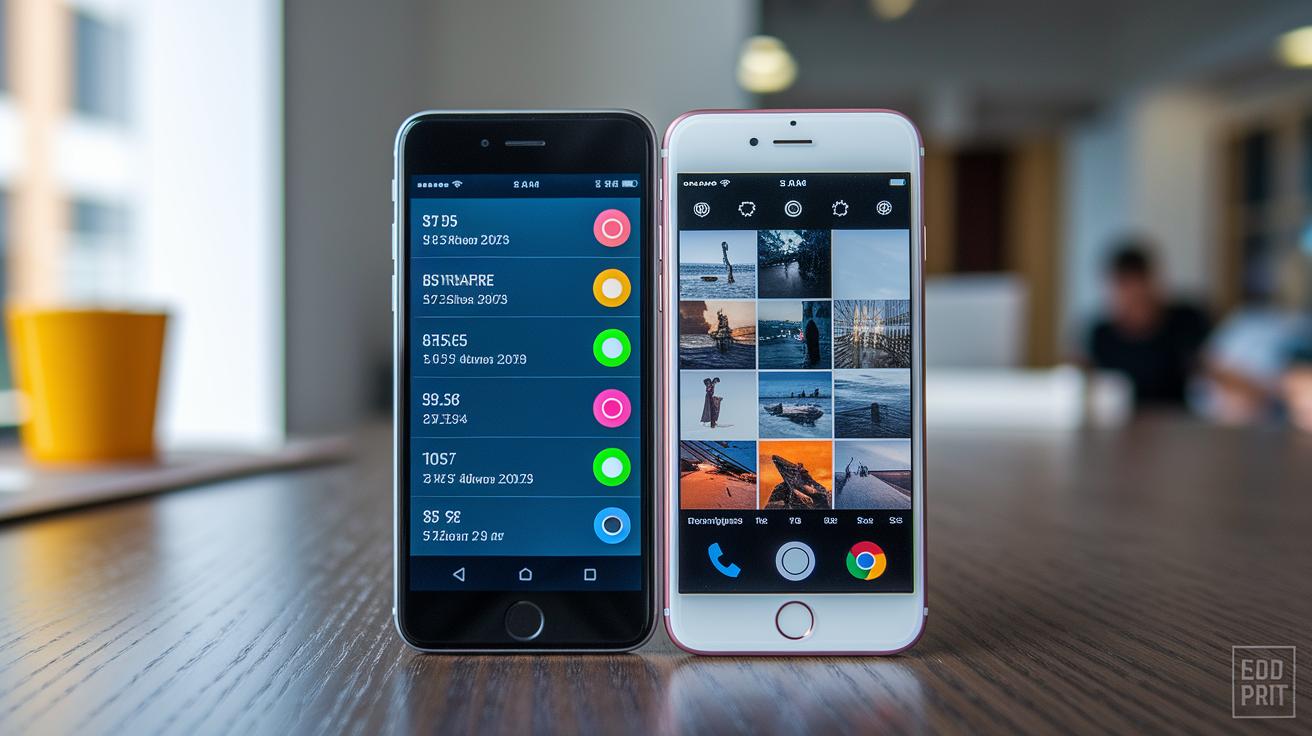
We start by collecting smartphone data from many different sources in a very organized way. Our plan mixes manufacturer details, benchmark scores, and genuine user feedback into one complete review system. Begin with a list of criteria that covers performance tests, design checks, camera quality reviews, battery endurance trials, and network reliability assessments. For example, you might note that in one test, the smartphone's graphics processor handled a tough game with smooth visuals, proving its strong performance.
The review follows simple, repeatable steps. First, we look for key trends by gathering information on chipset updates, operating system improvements, and emerging market standards. Then we run set tests like Geekbench for processor speed, 3DMark for graphics capabilities, and real-world gaming tests to see how the device performs day to day. We also check design details by measuring the phone's dimensions, evaluating its materials, looking at button placements, and testing grip comfort. Next, we assess multimedia features by testing the range of photos, low-light performance, video stabilization, and sound clarity. Lastly, we measure battery life during continuous use and evaluate charging speeds on both wired and wireless setups.
Every step fits into a clear digital routine that turns a mountain of data into simple, actionable insights. Our process adapts to new tech advances and regular updates in benchmarks so that our reviews stay current. In short, this thorough evaluation connects hard data with practical consumer advice, offering a complete mobile review that helps users make smart buying decisions.
Testing Device Performance in a Detailed Smartphone Review

We now use a clear, step-by-step method that combines trusted tools like Geekbench (which tests the CPU and memory) and 3DMark (a tool that checks graphics and how hot a device gets) with repeatable procedures. We keep an eye on any score changes during long tests and compare these shifts against chipset updates, it's like watching a game change in real time.
Instead of repeating how each test works, we share insights from actual gaming moments. Think about playing your favorite game for a long session, if the device handles the heat and keeps up the smooth graphics, you know it’s built to last. This everyday approach gives you a realistic feel for what to expect during heavy use.
Record the results with simple data that’s easy to follow:
| Test Tool | Measured Metric |
|---|---|
| Geekbench | CPU & Memory |
| 3DMark | GPU & Thermal |
| Gaming Benchmark | Real-world Performance |
This practical approach avoids needless repetition and gives you a fresh, hands-on look at a smartphone’s performance under real conditions.
Evaluating Design and Build Quality in a Detailed Smartphone Review

When you pick up a smartphone, start by checking its size and weight to see if it feels just right in your hand. Run your fingers over the surface to test the quality of the glass, metal, or top-notch plastic, and make sure the finish is smooth, especially if you tend to use your phone for hours on end.
Next, give some thought to the button placements and their feel. Each button should click nicely without any extra wiggle. For example, try out the power button and notice if it responds instantly with a satisfying click.
Now, let’s talk durability. A few drop tests and gentle presses can show you if the build holds up under real-world conditions. Dropping the phone from about shoulder height or applying a bit of pressure around the edges can reveal how rigid the frame really is.
Lastly, make sure the overall look is consistent. The color, trim, and finish should match perfectly across the device. This blend of solid measurements, comfy ergonomics, and proven toughness gives you a clear picture of the phone’s design and build quality.
Camera and Multimedia Assessment in Detailed Smartphone Review Methodology

Let’s kick things off by mapping out a clear plan to test the smartphone’s photo and video features. Start by checking the camera’s dynamic range, snap some shots in high-contrast settings, like during a sunset, and see how well it keeps both the bright highlights and dark shadows intact. It’s about capturing those vivid skies along with the detailed silhouettes that bring the scene to life.
Next, dive into low-light testing. Take some photos in dim settings without any extra light to see how the sensor handles noise and reproduces colors naturally. Don’t forget to record a video in low-light conditions to spot any shaky moments or soft focus that might sneak in.
Now, let’s talk stabilization. Record a clip while moving steadily to ensure the video stays smooth and maintains a consistent frame rate. Also, give the burst mode a try to check if it can freeze fast motion without leaving things blurry.
While you’re at it, also test the audio system. Play some standardized tracks to evaluate both the speaker and headphone outputs. Listen carefully for any distortions either when the volume is cranked up or in a quiet room, a clean audio experience is key to a full multimedia review.
Record your findings neatly:
| Metric | Test |
|---|---|
| Dynamic Range | Capture high-contrast scenes like sunsets |
| Low-light Performance | Photograph dimly lit scenes |
| Stabilization | Record steady videos while moving |
| Audio Clarity | Play standardized tracks for speaker and headphone testing |
This hands-on, methodical approach makes it easy to compare different camera modules, ensuring that every test delivers reliable, real-world insights.
Measuring Battery Endurance and Charging Performance in Detailed Smartphone Reviews

When you’re checking a smartphone’s battery life, start with screen-on time tests. You run the phone continuously with your favorite apps open to mimic everyday use. For example, set the brightness to 50% and stream a video to see how long it really lasts.
Then, try a video loop test where a clip plays over and over until the battery is drained. This shows how well the device handles nonstop activity. Also, run a standby test to check if the phone quietly uses up power when it’s just sitting there. This is key for everyday reliability.
Next, look at how the phone charges using both wired and wireless methods. Track the fast-charge rate by recording the percentage increase every minute when it’s hooked up to a charger that supports fast charging. For wireless tests, see how quickly the battery fills up without a cable. Finally, check charge-cycle consistency by fully charging the phone several times and comparing the charging durations.
Imagine using your phone all day on a long trip. If it consistently holds a good charge every time, you know it’s built for real life.
| Test Procedure | Focus Area |
|---|---|
| Screen-on Benchmark | Continuous Use |
| Video Loop Rundown | Active Drain |
| Standby Measurement | Idle Consumption |
Analyzing Software Usability and OS Stability in a Detailed Smartphone Review

Ever notice how even a tiny lag in a smartphone’s swipe can feel like an eternity? When testing a phone’s interface, a slight delay can stick out like watching a second hand tick-watch, suddenly every moment counts.
When it comes to software usability, it's all about the flow. Check how quickly apps open and how naturally they let you slide between screens. Is the gesture response smooth, or do those little hiccups interrupt your experience? It’s like moving from one room to another in your house, everything should just feel right.
Then, there’s the stability test. Spend a week tracking how often apps close on their own or when bugs pop up out of nowhere. Keeping an eye out for these unexpected interruptions helps catch those sneaky issues that might slip past a quick test.
Don’t forget about update cycles. Monitor how fast new firmware rolls out and whether each update actually smooths things over. Note how quickly problems are fixed and if the performance stays steady over time. It’s almost like tuning up a car, small tweaks can lead to a smoother ride.
Lastly, look at every tap and swipe. Does your touch get an instant reaction? Even during heavy multitasking, the motion should feel fluid and effortless. By carefully tracking these everyday interactions, you get a full picture of how the device handles real-life demands.
Assessing Connectivity and Network Reliability in Detailed Smartphone Reviews
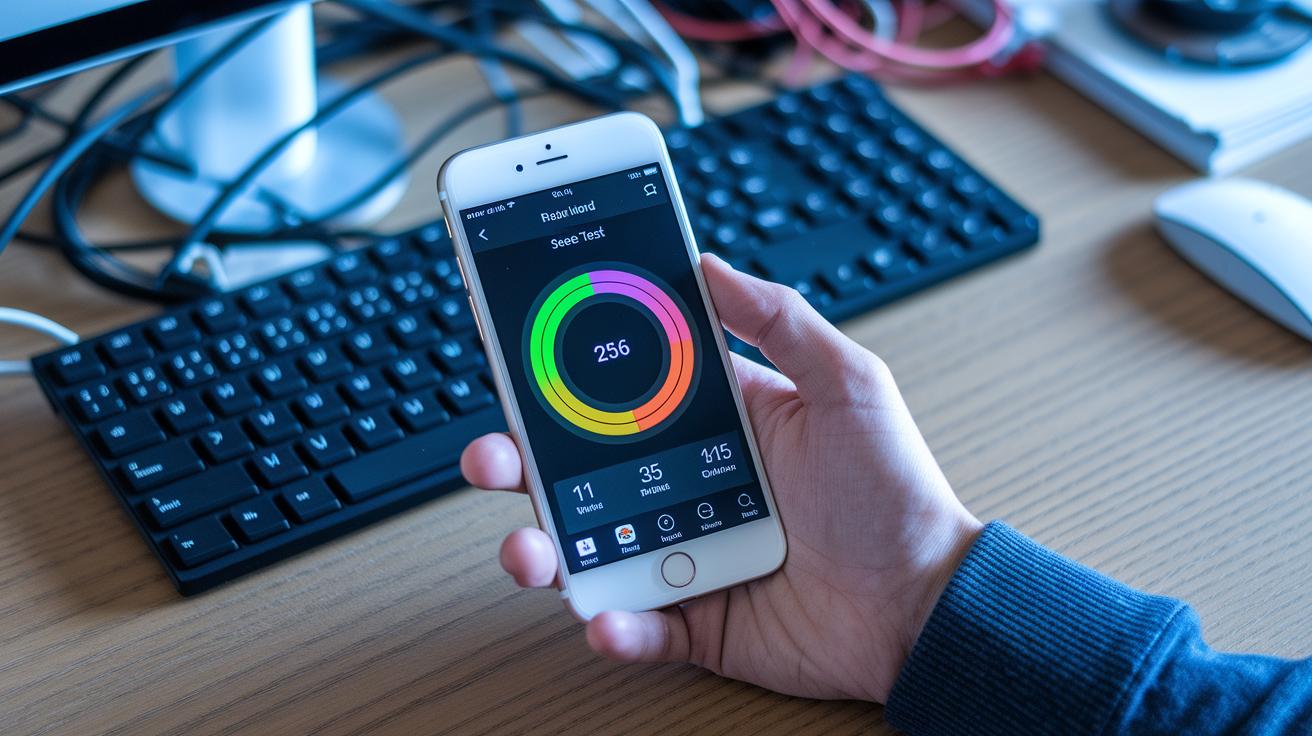
Begin by checking your 4G and 5G download and upload speeds with network apps that mimic everyday use. Picture streaming a 4K video on 5G without a single pause, it proves that what you see in a lab holds true in real life.
Then, run Wi-Fi speed tests on different bands to see how steady your connection is. Try both 2.4 GHz and 5 GHz networks, especially in busy areas with lots of signals. It’s a bit like watching two race cars on different tracks; each band has its own pace and style.
Next up, take a look at Bluetooth performance by testing its range and stability. Stream a favorite song or send a file, and notice if the connection stays strong even when there are obstacles in the way. Imagine linking your wireless headphones from across the room and still enjoying solid sound quality without any breaks.
Don't forget about GPS, time how fast your device locks onto a location. This small test is key for any app that depends on your location. Also, try out NFC by making a quick payment or sharing files to check if it responds right away.
Finally, give VoLTE and VoWiFi a spin by making calls in both noisy and quiet settings. Keep an ear out for any delays or distortions to ensure your calls stay clear and reliable.
Evaluating Durability, Repairability, and Reliability in a Detailed Smartphone Review

Start by giving your smartphone a drop test to simulate everyday accidents. For instance, drop it from about 1.2 meters to see if any dents or frame damage occur. This helps you judge if the design is rugged enough for daily life.
Then, test the phone's strength by gently bending its frame. Apply light pressure along the edges and in the middle. This simple check shows if the phone flexes during normal use.
Next, look at water resistance. Verify the IP rating by placing the device in shallow water for a set time to ensure the seals keep water out. You can also test scratch resistance with standard abrasives on the screen and body to see how it holds up to everyday wear.
Don't forget repairability. Carefully take the phone apart to understand the component layout and how easy it is to replace parts like the battery. Use a rating scale based on the number of screws and ease of access to really get a clear picture.
Finally, run long-term stress tests by subjecting the phone to repeated physical and environmental pressures over several days. This process reveals both immediate effects and gradual wear, giving you a comprehensive view of its overall reliability.
Conducting Price and Value Analysis in a Detailed Smartphone Review Methodology

When you're digging into a smartphone review, start by gathering both the MSRP and actual street pricing from various retailers. Make a list of the features of competing devices, noting any extra benefits or design differences. Check out consumer survey data to see how real users feel about long-term reliability. Mixing these figures together helps you see how the sticker price stacks up against a phone’s practical worth.
Then, look at the total cost of owning the phone, think repair bills and extra accessories over time. For instance, a $799 smartphone that performs well day after day might seem like a better deal compared to a similar device lurking with hidden costs. And if you add in survey feedback from weeks of use, you can refine the price-value score even more. This step-by-step approach shows how market changes can shift a smartphone’s overall charm and trustworthiness. Every rating should be clear and repeatable, reflecting both the price tag and real-life user experiences. So, be sure to note every detail, making it easy to compare one device to the next.
Final Words
In the action, we broke down the complete process behind our detailed smartphone review methodology. We covered everything from performance triggers and ergonomic assessments to camera clarity, battery tests, software fluidity, network reliability, durability checks, and price analysis. Our framework offers clear, step-by-step guidance so you can confidently navigate each technical facet. With these insights, your tech evaluations become straightforward, practical, and informed. Here's to a future filled with sharp, fearless tech decisions!
FAQ
What does a detailed smartphone review methodology include?
A detailed smartphone review methodology lays out steps to test performance, design, camera quality, battery life, software usability, connectivity, durability, and overall value using standardized criteria and systematic benchmarks.
How can I access detailed smartphone review methodology examples or PDFs?
Detailed smartphone review methodology examples or PDFs can be found on academic platforms like Google Scholar and tech sites that feature case studies and surveys on mobile phone evaluations.
How does human activity recognition using smartphones relate to reviews?
Human activity recognition using smartphones evaluates sensor accuracy by tracking movement patterns, offering valuable insights into real-world usability that can enhance the comprehensive assessment of mobile devices.