

Ever thought your phone could double as your own personal bodyguard? Mobile biometric technology taps into unique traits, like your fingerprints and the familiar curves of your face, to keep your private info locked down tight. A quick, smart scan makes sure it’s really you, every single time.
Every swipe feels like a secret handshake with a silent guardian, always on duty to protect your data. It’s almost like having a mini security expert in your pocket. Ready to explore how these clever tools are changing the game for mobile safety? Dive in and see what’s making our digital world a safer, smarter place.
Mobile Biometric Technology Overview and Integration
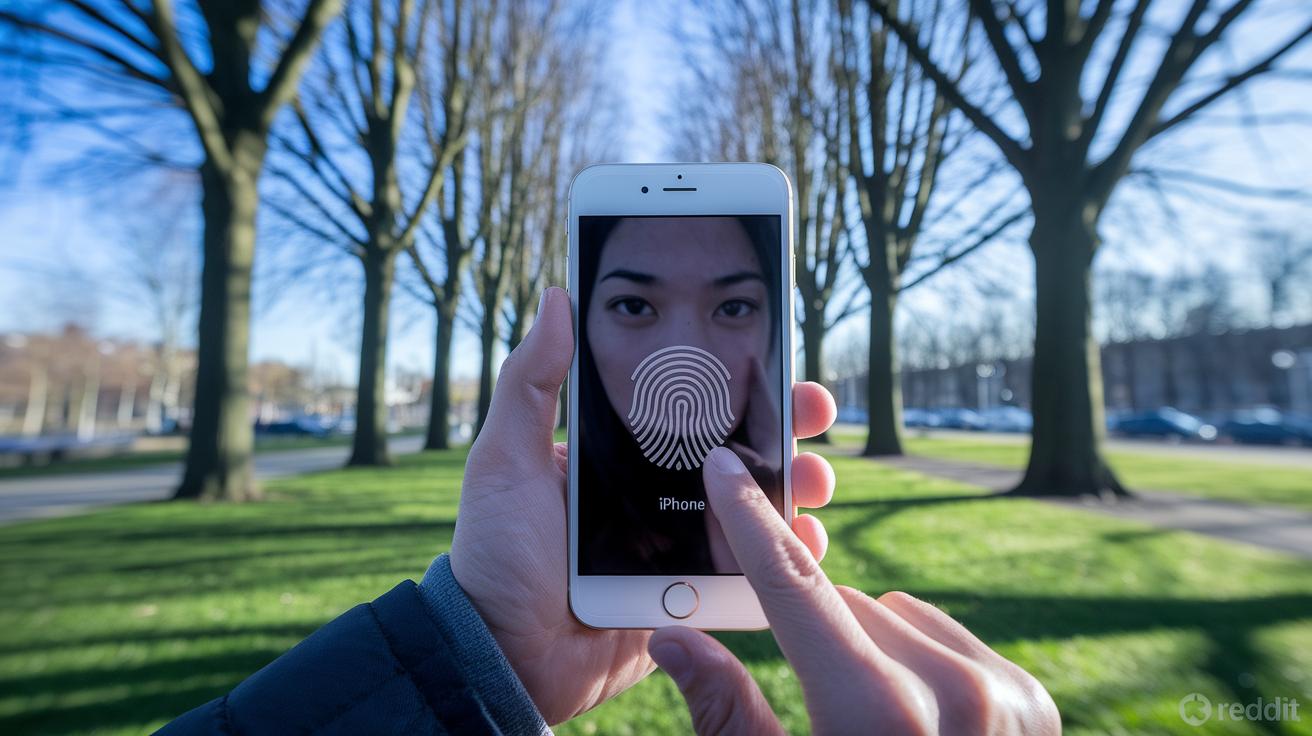
Mobile biometric technology uses your unique traits, like fingerprints, facial features, or voice patterns, to make sure only you can unlock your mobile device. It all kicked off when smartphones first introduced fingerprint scanning back in 2013. Since then, we've seen cool developments such as cellular ID scanning and innovative portable fingerprint scanners. Think of it as your phone turning into a mini personal security guard, ready to only let you in.
When you sign up your biometric data, everything stays right on your device. Your phone stores this info in a secure spot managed by the operating system. So when you try to unlock it, the system does a quick live scan and compares it with your saved template. And if the match isn’t spot-on, a simple PIN backup lets you in, keeping your device secure every step of the way.
Comparing Mobile Biometric Modalities and Integration Methods
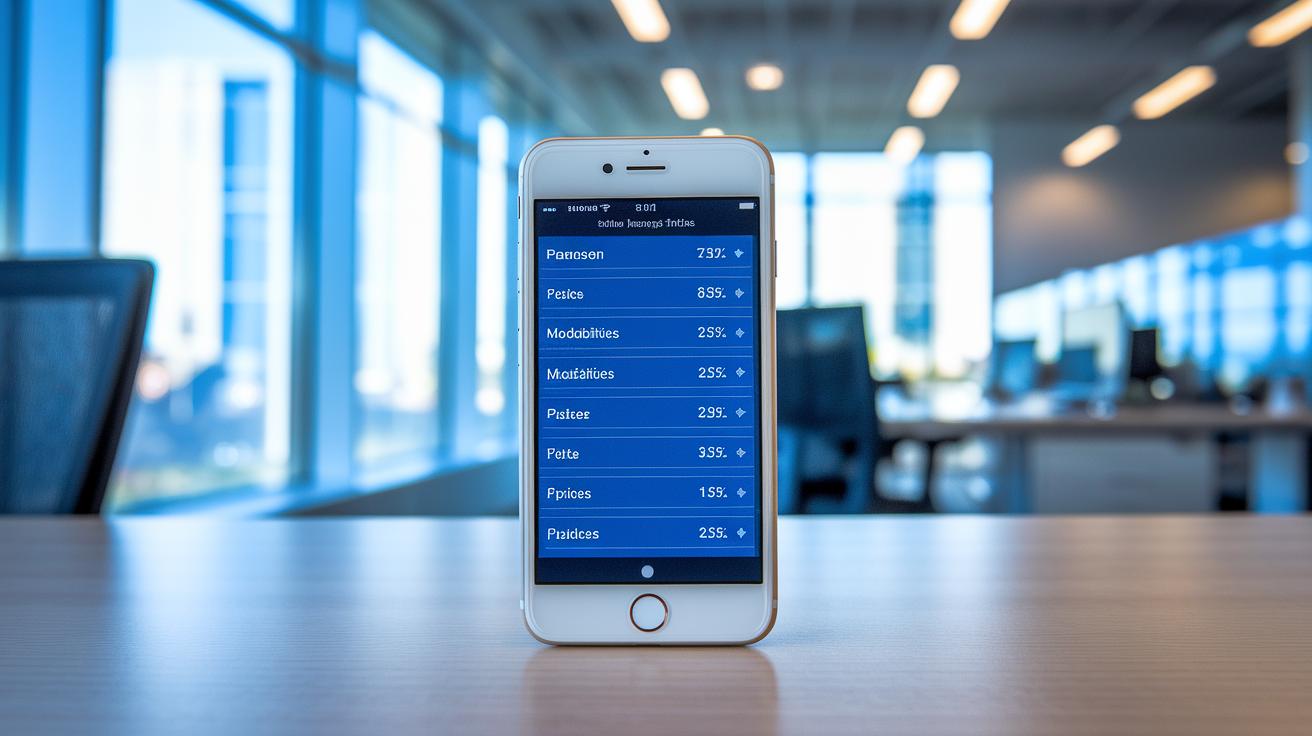
When it comes to keeping our devices safe, two things really matter: how accurate the system is and how fast it works. Today’s smartphones use a cool mix of touch sensors and sound waves to read your fingerprint quickly and securely. Facial recognition systems, using special 2D and 3D infrared dot technology, work well even when the lighting isn't perfect. Voice recognition, which improves thanks to smart neural-network matching, makes it easy to control your device hands-free, although noisy rooms can slow it down a bit. And then there’s iris scanning, a rising star for high-security needs, offering super precise reads at a good pace. Think of it as comparing the quick burst of a cheetah to the steady stride of a marathon runner: each has its own strengths when it comes to speed and accuracy.
| Modality | Accuracy (%) | Processing Speed (sec) |
|---|---|---|
| Fingerprint | 95 | 0.8 |
| Facial | 93 | 0.7 |
| Voice | 90 | 1.5 |
| Iris | 97 | 1.2 |
Each method comes with its own set of pros and cons. Fingerprint scanners work great for everyday use because they offer speedy results and are found in most devices. Facial recognition is handy when you want a touch-free experience, though it can sometimes struggle in odd lighting. Voice recognition adds a lot of convenience in hands-free settings, but busy backgrounds might require a bit more fine-tuning. Iris scanning is best for situations where serious security is needed, like in banking or corporate settings, even if it takes just a tad longer. Ultimately, the right choice depends on what you value most, whether it's quick access or top-notch precision, ensuring your experience stays both secure and smooth.
Implementing Mobile Biometric Technology on iOS and Android
Mobile biometric technology is a smart and secure way to prove who you are using your phone. When you unlock your device, your fingerprint or face is checked against data stored safely inside the device itself. Developers work hard to keep this personal information secure by placing biometric templates in protected spots on your device. For instance, iOS keeps them safe using tools like Keychain and the Secure Enclave, while Android relies on encrypted storage with SharedPreferences and Keystore encryption. And yes, if your biometric check doesn’t match, a PIN code can step in to verify your identity.
iOS Integration
On iOS devices, safety is a top priority. Tools such as Keychain manage cryptographic keys and other sensitive data, while APIs like SecAccessControl and LocalAuthentication take care of biometric enrollment and verification. This means the process is both seamlessly simple and highly secure, almost like the smooth, cool feel of a well-designed gadget that just gets you.
Android Integration
Android follows a similar path by using its Keystore system together with encrypted SharedPreferences to guard your data. The BiometricPrompt API makes the user verification process feel easy and reliable, almost like a trusted handshake. It uses the phone’s built-in hardware for biometrics and other secure tools to match the performance you see on iOS. This ensures that no matter what device you’re using, your identity is well-protected.
For developers working on cross-platform projects with React Native, there’s a choice to be made. You can either use ready-made libraries that simplify integration by following standard practices, or opt for custom native modules for a more detailed control over encryption and other unique features. Your decision will depend on how much control you need over security and performance in your app.
Security Features and Vulnerability Mitigation in Mobile Biometric Technology

Mobile biometric systems work by keeping your fingerprint or face data in a super-secure corner of your device, like a safe spot called a secure enclave or a Trusted Execution Environment (TEE). This means your unique data never gets sent out over the network, it stays locked away, kind of like hiding your diary in a safe that only your phone can open. This simple method cuts down the risk of someone sneaking a peek at your private info and really boosts overall data security.
Public-key cryptography is another smart trick these systems use to keep things airtight. Every time you scan your fingerprint or face, your device uses a set of secret keys to sign and scramble the scan data. So, even if someone were to intercept that information, it’d be as useless as a jumbled-up letter without the right key to read it. It’s like sending a handwritten note in a code, only the right person can decode it.
To be extra safe, there’s usually a PIN fallback when the biometrics don’t quite match up. This backup plan stops any sneaky attempts to get in when the main system has a hiccup, or if someone tries to trick it with fake data. Plus, these systems often add extra layers to block side-channel attacks, ensuring that even if one layer has a small flaw, the overall security stays rock-solid.
Real-world Applications and Case Studies of Mobile Biometric Technology
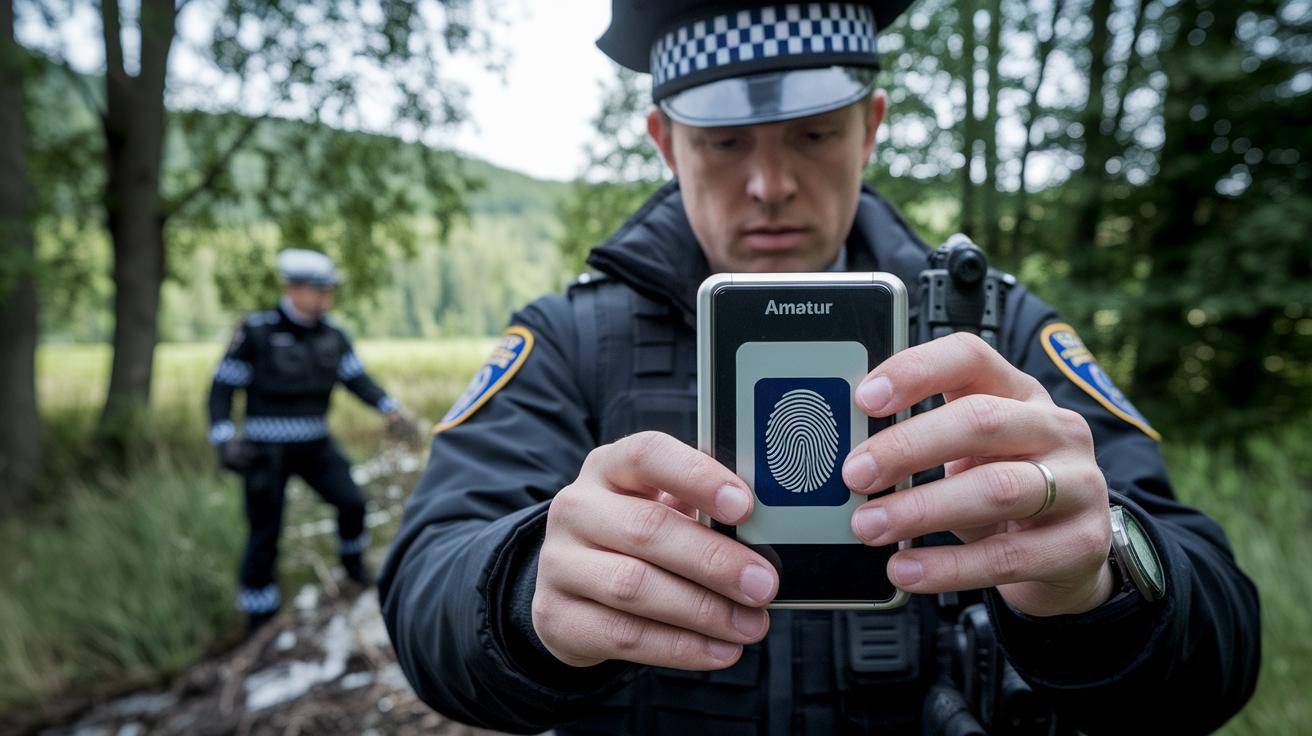
Mobile biometrics have become an essential tool for many industries that need fast, secure identity checks and smooth access control. From finance to law enforcement, these systems help keep data safe and operations efficient. Originally popularized in 2013 with smartphone fingerprint scanners, this technology has grown to power agency-grade methods that bind your unique biometric info to a specific device. Systems like Arc Vision and Arc Touch make it simple for companies to capture identities quickly while following strict rules.
Finance companies, for example, use mobile biometrics to quickly confirm a customer’s identity, cutting down on fraud and boosting secure transactions. Telecom providers also put these tools to work by managing account access and verifying users in real time. Utility companies lean on biometric checks to keep an eye on who accesses important infrastructure. In corporate settings, controlled biometric enrollment is key to protecting sensitive data and keeping internal communications secure. Even law enforcement benefits, officers use portable biometric scanners during emergencies to speed up identity verifications on the spot.
Case studies show just how impactful these solutions are. One innovation, the BioEntry W3 facial-authentication device, has transformed corporate onboarding by securely linking biometric data to a device’s identity. This approach helps block unauthorized access while meeting the high demands of regulated markets. At the same time, law enforcement agencies are testing high-speed handheld scanners that quickly verify identities during field operations, ensuring safety and efficiency. In short, mobile biometrics not only tackle traditional security issues but also fit neatly into the bigger picture of today’s mobile technology advancements.
Emerging Trends and Future Directions in Mobile Biometric Technology
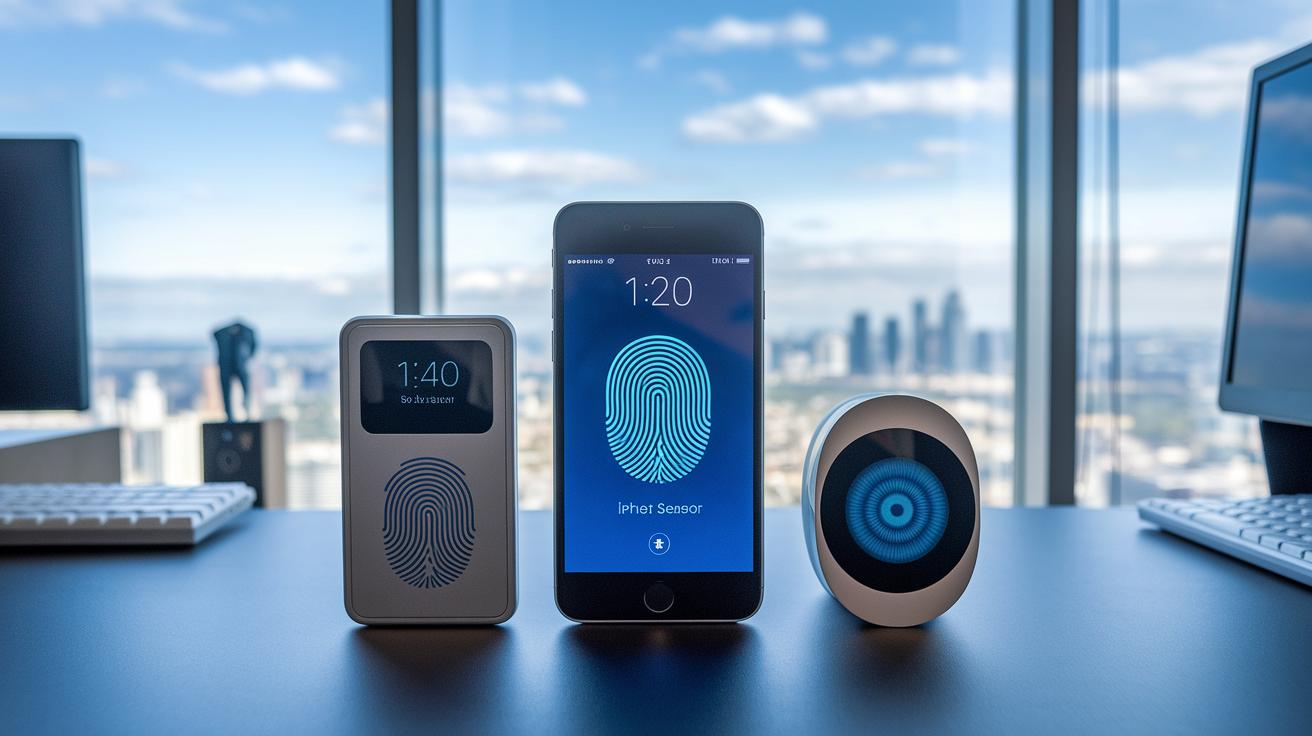
Mobile biometrics are getting a major upgrade, and it's changing the way our devices protect us every day. Think back to when early smartphone scanners were clunky and slow. Now, we’re talking about smooth, almost instant recognition that feels as secure as it is intuitive.
There are three exciting trends making waves. First up, multi-modal fusion is gaining ground. This means that methods like iris checks and fingerprint scans are working together, blending different techniques to boost accuracy. Then there’s sensor miniaturization. Thanks to this, sensors tucked beneath your phone’s display are delivering top-notch performance in a sleek, hidden package. And finally, continuous authentication is on the rise. Imagine a feature that’s always on the lookout, quietly verifying that it’s really you, enhancing privacy and keeping everything compliant with tough standards.
For developers and business leaders, these advances open up thrilling new possibilities. They pave the way for a digital identity framework that meets stricter regulations without slowing things down. With breakthrough sensor designs and innovative ways of capturing data, companies can soon offer biometric systems that are as secure as they are simple to use. Isn’t it exciting to think about a future where your device feels like a trusted, ever-present guardian?
Final Words
In the action, mobile biometric technology is reshaping device security and authentication. We examined everything from early fingerprint integrations to today's diverse options like facial, voice, and iris recognition. The post broke down device integration approaches for both iOS and Android, while also looking at security features, practical deployments, and upcoming trends. Each aspect shows how these systems power a fast and secure user experience. The future looks bright, promising improved speed and even higher accuracy for our everyday tech.
FAQ
What does mobile biometric technology mean and what are its applications?
The phrase mobile biometric technology refers to using features like fingerprints, facial, or voice recognition on devices to verify user identity for secure access and authentication.
How do you enable biometric authentication on Android?
Enabling biometric authentication on Android involves accessing settings, registering a fingerprint or face scan, and activating the device’s secure authentication protocols.
What is a mobile biometric fingerprint scanner and how does it work?
A mobile biometric fingerprint scanner uses specialized sensors to capture unique fingerprint patterns, comparing live scans to securely stored templates for device verification.
What is the typical cost of mobile fingerprint scanners?
Mobile fingerprint scanner costs vary based on sensor technology and integration, generally ranging from mid-level to higher-end pricing depending on advanced features.
What are biometrics and how does a biometrics reader function on mobile devices?
Biometrics involve using physical traits like fingerprints or facial features for identity checks, while a biometrics reader scans these traits and matches them with secure data.
What are the seven biometric technologies used in mobile devices?
Common technologies include fingerprint, facial, voice, iris, palm, vein, and gesture recognition, each utilizing different physical characteristics for authentication.
Can a mobile device be used as a biometric device?
A mobile device can serve as a biometric tool by using built-in sensors to scan and verify unique user traits like fingerprints or facial features.
What is a mobile biometric service and how is it used?
A mobile biometric service is a system that integrates biometric authentication into apps or devices, providing secure, convenient verification for user access and transactions.